Spanish translation is one of those tasks that looks straightforward until you actually need the result to sound natural. A phrase can be technically correct and still feel too literal, too formal, or just not right for the situation.
That is why the best Spanish translator app depends on the job. Some tools are better for free everyday translation, some are stronger for polished writing, and some are built for live speech during meetings, webinars, or video calls.
This guide follows the same general idea as Maestra’s Spanish translator roundup, but expands the comparison and puts the apps into a more practical order based on real use cases rather than just feature lists.
Best Spanish Translator Apps at a glance
| Rank | App | Best at | Main limitation |
| 1 | Google Translate | Free everyday translation, camera translation, and quick access | Can sound literal in nuanced Spanish |
| 2 | DeepL | Natural written Spanish and better tone control | Less focused on live speech |
| 3 | Palabra | Real-time speech translation for meetings, webinars, and events | More professional than casual |
| 4 | Talo | Live translation for video calls | Narrower use case |
| 5 | Microsoft Translator | General communication across devices | Less strong on polished phrasing |
| 6 | iTranslate | Simple mobile translation for travel | Not ideal for complex speech use |
| 7 | Reverso | Context and examples for learners | Not built for real-time interpretation |
| 8 | SpanishDict | Learning-focused Spanish help | Not a live translator |
| 9 | WordReference | Definitions and context | Not a conversation tool |
| 10 | Linguee | Example-based translation research | Better for reference than speed |
| 11 | SayHi | Quick spoken phrases | Limited depth |
| 12 | Papago | Helpful multilingual translation | Less centered on Spanish than top choices |
Why this ranking works
A lot of people search for a free Spanish translator because they want something simple and immediate. Others are really looking for an English to Spanish interpreter, even if they do not use that exact phrase, because their real need is live communication rather than text translation.
So the ranking below is based on usefulness in real situations. That means Google Translate stays first for free everyday use, DeepL comes next for better written output, Palabra ranks third for live speech translation, and Talo follows in fourth because it is especially useful for video-call workflows.
1. Google Translate
Google Translate is still the easiest recommendation for most people because it is free, fast, and familiar. It works well when someone needs a quick answer, a menu translation, a sign translated, or a basic message understood without friction.
Its biggest strength is convenience. Camera translation, voice input, and offline support make it especially practical for travelers and casual users who just need something that works right away.
Google Translate is best when you need:
- English to Spanish translation free.
- Fast everyday translation.
- Quick camera-based translation while traveling.
Its main weakness is that it can sound too literal in more subtle Spanish, especially when tone and phrasing matter.
2. DeepL
DeepL is the better choice when the Spanish has to sound more natural. It is often preferred for written translation because the output usually feels smoother, more readable, and closer to how a person would actually write.
That is especially useful for emails, business messages, or any text where the tone matters. DeepL also gives users more control over formality, which is useful in Spanish because the difference between casual and formal language can change the entire feel of a message.
DeepL is best when you need:
- Better written Spanish.
- More natural phrasing.
- Tone control for professional messages.
Its weakness is that it is not really a live interpreter replacement. It is stronger for text than for real-time speech.
3. Palabra
Palabra is the strongest live translation choice in this list. It is built for speech translation in real time, which makes it useful for meetings, webinars, live events, and any setting where Spanish and English speakers need to follow along without stopping the conversation.
What makes Palabra different is that it is not just a translator; it is a live communication tool. That matters when the goal is not only to convert words, but to keep a conversation moving with low delay and a more natural experience for listeners.
Palabra is best when you need:
- Real-time English to Spanish interpretation.
- Live speech translation for events.
- Translation software for business meetings or webinars.
Its weakness is that it is more specialized than a free everyday translator. If someone just wants to translate a short sentence or check a phrase, Palabra is probably more tool than they need.
4. Talo
Talo is another strong live translation app, but it is more focused on video calls and online conversations. If the main use case is Zoom-style or meeting-style translation, Talo is a very practical option.
It ranks just below Palabra because it is narrower. That is not necessarily bad; it just means it is built for a more specific workflow. For remote teams and multilingual calls, that specificity can be a real advantage.

Talo is best when you need:
- Live translation for video calls.
- Multilingual remote meetings.
- Fast spoken communication during calls.
Its limitation is that it is not as broad as an all-purpose translator. It is strong in its lane, but that lane is narrower than Google Translate or DeepL.
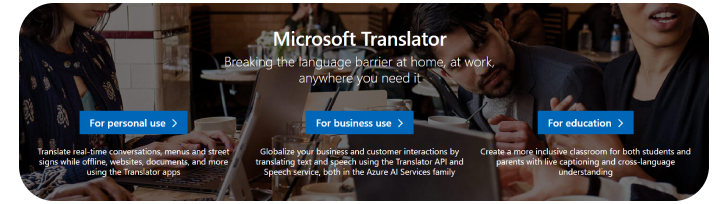
5. Microsoft Translator
Microsoft Translator remains a solid general-purpose option. It is especially useful in work environments or for people who want a familiar translator that works across devices and shared communication scenarios.
It does not stand out as much as the top four tools in this list, but it is still reliable for everyday communication. In a lot of cases, that is enough.
Microsoft Translator is best when you need:
- General communication across devices.
- A mainstream alternative to Google Translate.
- Practical shared translation for groups.
Its weakness is that it is less memorable for polished Spanish writing or live speech use than the apps above it.
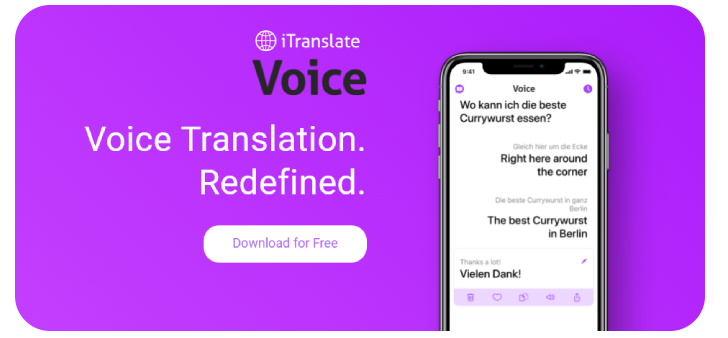
6. iTranslate
iTranslate is a simple mobile-first translator that works well for travel and quick phrases. It is the kind of app people pick when they want a lightweight tool that gets them through everyday situations without a lot of setup.
Its main benefit is ease of use. It is not trying to be a professional interpreter platform; it is trying to be convenient on the phone.
iTranslate is best when you need:
- Short travel phrases.
- Quick mobile translation.
- A simple everyday app.
Its weakness is that it does not go very far when the translation needs become more advanced or more professional.
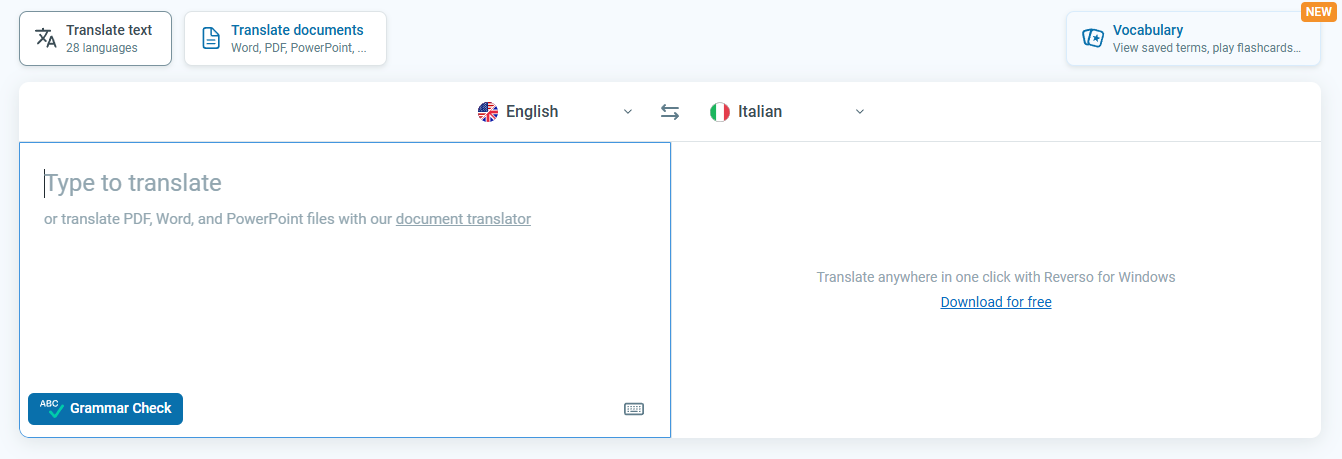
7. Reverso
Reverso is useful when context matters. It helps users see how phrases are used in real examples, which makes it valuable for learners and anyone trying to understand why one translation sounds better than another.
That makes it a strong support tool rather than a primary translator. It is good for checking meaning and usage, not for live conversation.
Reverso is best when you need:
- Context and example sentences.
- Language-learning support.
- A second opinion on phrasing.
Its weakness is simple: it is not built for real-time spoken translation.
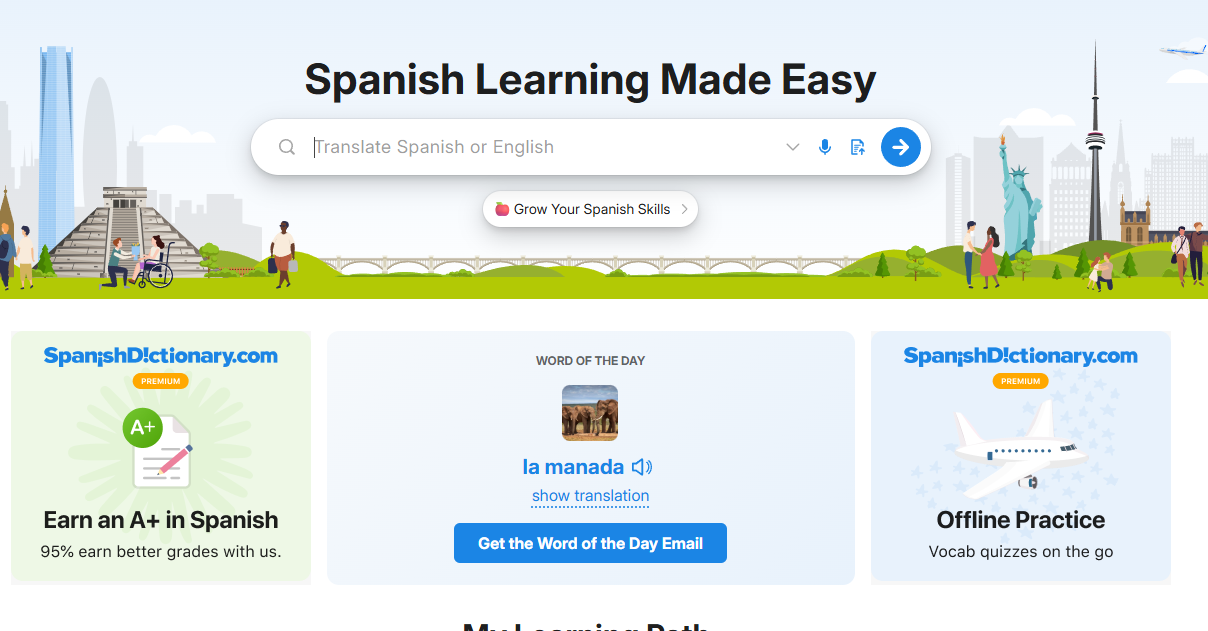
8. SpanishDict
SpanishDict is more of a learning and reference tool than a translator app, but it still deserves a place in the broader comparison. It is especially helpful when users want explanations, vocabulary support, and learning-oriented context.
For Spanish learners, that can be more useful than a raw translation output. It helps people understand the language, not just convert between languages.
SpanishDict is best when you need:
- Learning support.
- Vocabulary explanations.
- A Spanish reference tool.
Its limitation is that it is not a live translator and not the best choice for quick conversation flow.
9. WordReference
WordReference is one of the most trusted reference tools for language learners. It is especially good when someone wants definitions, nuance, and discussion around how a word is actually used.
It is not a conversation app, and that is fine. Its strength is clarity, not speed.
WordReference is best when you need:
- Definitions and context.
- Deeper understanding of Spanish words.
- Reference before writing or studying.
Its weakness is that it does not serve as a real-time translator.
10. Linguee
Linguee is useful when you want to see translation examples in context rather than just a single answer. That makes it particularly helpful for research, editing, and checking how a phrase appears in real-world usage.
It is less about speed and more about confidence. If you want to verify a phrase before using it, Linguee is a strong reference tool.
Linguee is best when you need:
- Example-based translation research.
- Context verification.
- Help before writing or editing.
Its weakness is that it is slower and less direct than a general translation app.
11. SayHi
SayHi is a simple spoken translator that can be useful for quick conversations. It is not meant for advanced workflows, but it can help with basic speaking situations where a fast voice translation is enough.
The app’s value is simplicity. That makes it useful in short, practical exchanges rather than long or complex communication.
SayHi is best when you need:
- Quick spoken phrases.
- Lightweight voice translation.
- Basic conversation help.
Its weakness is that it lacks the depth of the top tools in this list.
12. Papago
Papago is a capable multilingual translator, but it is not as centered on Spanish as the most relevant choices here. It can still be useful in some situations, especially for users who want another translation option to compare against the bigger names.
It deserves mention because comparison matters. Sometimes a second app gives a better result for a specific phrase.
Papago is best when you need:
- Another multilingual translation option.
- Quick comparison against other translators.
- General mobile use.
Its weakness is that it is not the most obvious first pick for Spanish-specific work.
Final thoughts
The best Spanish translator app depends on what you actually need. If you want the easiest free option, Google Translate is still the most practical. If you want better written Spanish, DeepL is stronger. If you need live speech translation, Palabra and Talo are the more relevant choices.
What makes this ranking more useful is that it includes more than just the obvious mainstream apps. Maestra’s Spanish translator article shows how broad this space is, and the real decision often comes down to whether you need speed, natural writing, live interpretation, or learning support.