Italian is one of those languages where a translation can be technically correct and still feel slightly off. The problem is not always vocabulary; it is often tone, rhythm, formality, and whether the result sounds like something a real speaker would actually say.
That is why the best Italian translator apps do not all solve the same problem. Some are built for quick travel phrases, menus, and signs, while others are better for polished writing, live meetings, or multilingual calls where speed matters as much as accuracy.
This list focuses on seven apps that cover the main Italian translation scenarios, from free everyday help to real-time Italian-to-English speech translation. It also reflects common search intents such as italian to english translate, italian language translation english, convert to italian language, italian translation to english, and translate for english to italian.
Top 7 apps at a glance
| Rank | App | Where it stands out | What to keep in mind |
| 1 | Google Translate | Fast everyday Italian translation, camera mode, and broad accessibility | Can feel flat or literal in nuanced phrasing |
| 2 | DeepL | More natural written Italian and better control over tone | Less centered on live spoken workflows |
| 3 | Palabra | Real-time speech translation for meetings, webinars, events, and streams | Better suited to professional use than casual phrase lookup |
| 4 | Talo | Live translation during video calls and multilingual online conversations | Narrower scope than all-purpose translation apps |
| 5 | Microsoft Translator | Practical cross-device communication and general translation | Less distinctive for Italian nuance than top text-focused tools |
| 6 | iTranslate | Mobile-friendly translation for travel and simple conversations | Not built for complex professional speech scenarios |
| 7 | Reverso | Context, examples, and learning support for Italian users | Not meant for live spoken translation |
Italian to English translate: what most users actually need
Most people searching for an italian to english translate tool are not looking for the same thing. Some want to read a restaurant menu or reply to a message, while others need italian language translation english support during a call, webinar, or client meeting.
That difference matters because the right app depends on whether the task is instant comprehension, polished writing, or live speech. In some cases the goal is simply to convert to italian language or back into English, while in others the real challenge is keeping a multilingual conversation moving naturally.
1. Google Translate
Google Translate stays at the top because it solves the most common Italian translation problems with the least friction. It is easy to open, easy to trust for basic tasks, and useful in the exact moments when people typically need help fast, such as reading a menu, checking a sign, or understanding a short message.
It is especially strong when the goal is speed rather than elegance. Camera translation, voice input, and downloadable language support make it one of the most practical tools for travel and day-to-day communication, especially when there is no time to refine wording.

Where Google Translate works best:
- Quick Italian-to-English translation in everyday situations.
- Reading printed text through the camera on the go.
- Getting a usable answer immediately, even if the phrasing is not perfect.
Pros:
- Free and widely available.
- Supports text, voice, and image translation.
- Useful offline in many travel situations.
- Familiar interface that most users can start using instantly.
Cons:
- Less reliable with idioms, tone, and subtle phrasing.
- Functional rather than refined when the writing needs to sound polished.
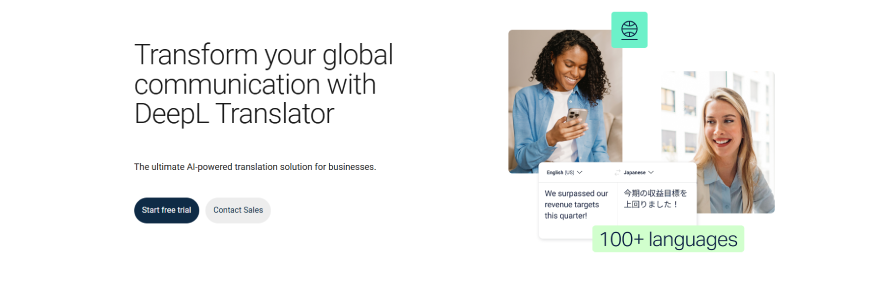
2. DeepL
DeepL earns second place because it usually produces Italian that reads more smoothly and feels less machine-like. It is the app people often reach for when the translation will actually be read carefully instead of skimmed for meaning.
One reason DeepL stands out is tone control. Its formality options matter in Italian because the difference between a casual line and a professional one can shape how a message is received, especially in emails, client communication, or formal writing.
Where DeepL works best:
- Translating written Italian that needs to sound natural.
- Adjusting tone for more formal or informal output where supported.
- Reworking text that would sound too literal in a more basic translator.
Pros:
- Stronger sense of flow and phrasing in written output.
- Helpful for professional, academic, or polished communication.
- Better suited than many alternatives when wording quality matters more than speed.
Cons:
- Less compelling for real-time speech and live conversation workflows.
- Not as universal for quick everyday use as Google Translate.
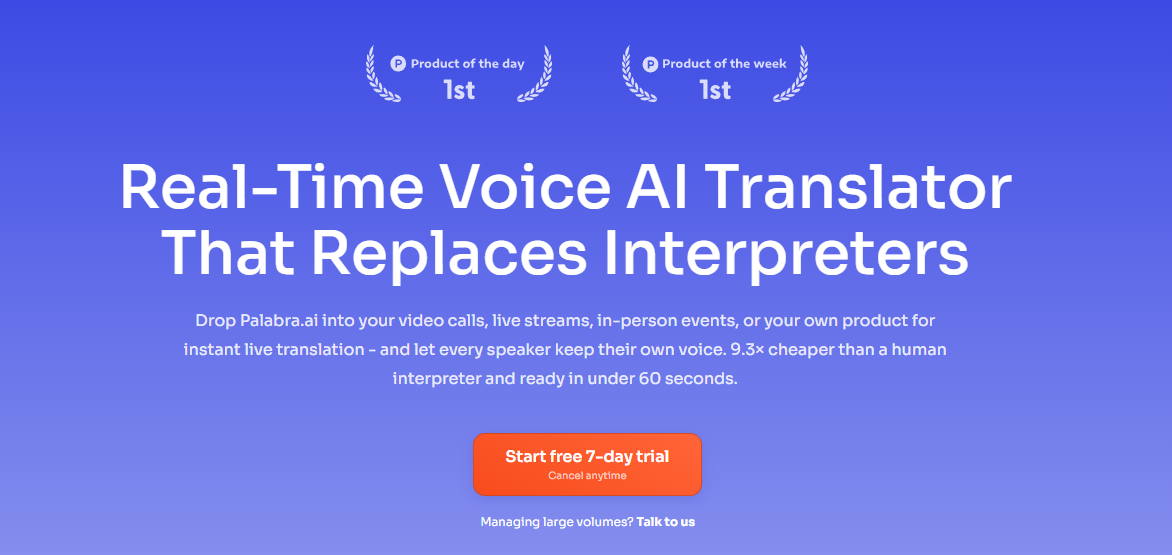
3. Palabra
Palabra belongs in the top three because it addresses a very different translation problem from the first two apps. Instead of helping with static text, it is designed for moments when people are actually speaking and the translation needs to keep up without interrupting the conversation.
That makes it particularly relevant for Italian-to-English communication in webinars, meetings, live streams, and events. In those settings, what matters is not only the quality of the translation but also latency, delivery, and whether listeners can follow the speaker in real time.
Where Palabra works best:
- Live online meetings where participants speak different languages.
- Webinars and virtual events that need multilingual access.
- Streams, conferences, and audience-facing sessions where captions or translated speech must arrive quickly.
Pros:
- Built around real-time speech translation rather than only text conversion.
- Covers professional scenarios such as webinars, events, education, and online meetings.
- Better fit than standard travel apps when the translation has to support a live experience.
Cons:
- More specialized than most casual users need.
- Less relevant if the task is simply checking a phrase or translating a short paragraph.
4. Talo
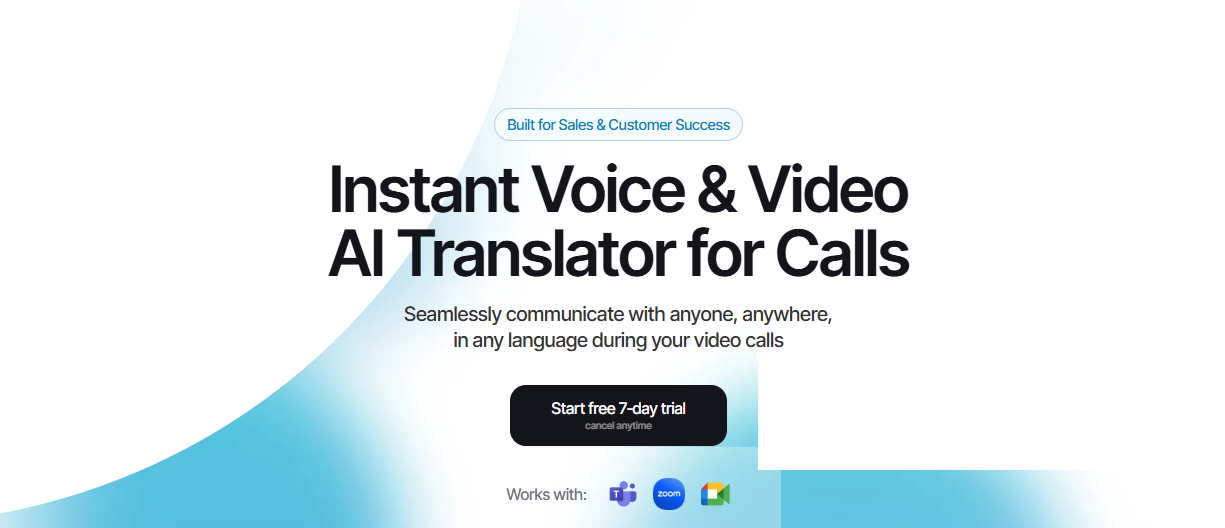
Talo follows closely behind Palabra because it is also built around live conversation, but with a narrower emphasis on video calls and meeting-style interactions. It is easier to understand as a tool for multilingual calls than as a general Italian translator for every use case.
That focus is also its advantage. When the main problem is not “How do I translate this sentence?” but “How do two people keep talking without stopping every ten seconds?”, a meeting-first translator can make more sense than a broader app.
Where Talo works best:
- Video calls that need live interpreting.
- Remote meetings with participants who speak different languages.
- Conversation-heavy workflows where speed matters more than editorial polish.
Pros:
- Clear focus on real-time spoken communication.
- Useful for multilingual meetings and webinar-style interactions.
- More targeted than general translation apps for calls and collaboration.
Cons:
- Narrower scope than broader translators that also handle text, images, and offline use.
- Less versatile than platforms aimed at multiple live formats beyond meetings.
5. Microsoft Translator
Microsoft Translator remains a sensible choice for users who want a familiar mainstream translator that works well across devices and team settings. It may not dominate any one category in this ranking, but it covers everyday needs in a steady and accessible way.
Its appeal is balance. For users who want something recognizable, practical, and collaborative without diving into a more specialized platform, Microsoft Translator still makes sense.

Where Microsoft Translator works best:
- Cross-device translation in work and personal settings.
- Group communication and practical general use.
- Users who want a recognizable alternative to Google Translate.
Pros:
- Broad usability.
- Good fit for shared communication scenarios.
- Mainstream and easy to adopt.
Cons:
- Less distinctive than DeepL for writing quality.
- Less specialized than Palabra or Talo for live voice workflows.
6. iTranslate
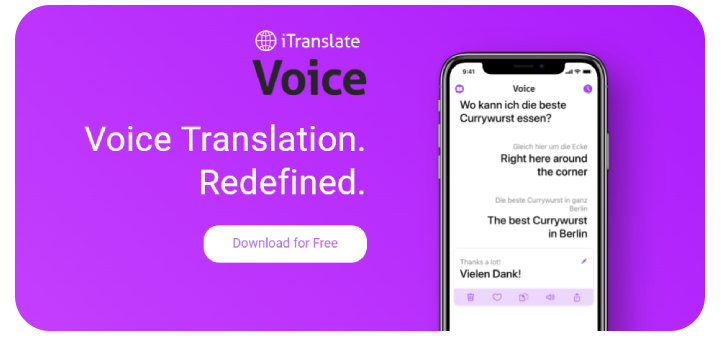
iTranslate works best when simplicity matters more than depth. It is the kind of app people choose for trips, quick exchanges, and basic mobile translation rather than for anything highly technical or performance-critical.
Its strength is convenience. If the goal is to get through a moment smoothly on a phone, that can be enough.
Where iTranslate works best:
- Travel and basic phrase support.
- Quick mobile translation in casual situations.
- Users who want a simple app without a steep learning curve.
Pros:
- Mobile-friendly and easy to use.
- Helpful for simple day-to-day situations.
- Good lightweight option for travelers.
Cons:
- Not ideal for nuanced Italian writing.
- Not designed for demanding live speech scenarios.
7. Reverso
Reverso makes this list because learning Italian often requires more than a direct translation. Many users need to see how a phrase behaves in context, what alternatives are possible, and how meaning changes with usage.
That is where Reverso becomes genuinely useful. It is less about instant transactional translation and more about understanding how Italian works in practice.

Where Reverso works best:
- Checking Italian phrases in context.
- Comparing example-based usage instead of relying on one output.
- Supporting study, reading, and language learning.
Pros:
- Stronger context support than many basic translators.
- Useful for learners who want examples, not just equivalents.
- Helpful as a second-check tool alongside broader translators.
Cons:
- Not built for real-time spoken translation.
- Less convenient as a one-stop travel translator.
Final thoughts
The best Italian translator app depends less on brand recognition and more on the kind of translation problem that needs solving. Google Translate remains the most practical all-rounder for free everyday use, DeepL is stronger when written tone matters, Palabra and Talo are more relevant when spoken translation has to happen live, and Reverso is more helpful when the goal is understanding Italian in context rather than reacting quickly.
For users comparing tools around italian to english translate or italian translation to english queries, the smartest approach is to match the app to the situation instead of looking for one universal winner. A traveler, a language learner, and a webinar host may all need Italian translation, but they do not need the same kind of translator.