Online audio transcription has become table stakes for any serious meeting, podcast, or video workflow. The question isn’t whether to transcribe anymore – it’s which solution delivers accuracy, speed, and integration without breaking your budget or security requirements. This guide compares the top tools and shows why enterprise-grade transcription beats free tiers for production use cases.
What Makes Good Online Transcription Software?
The best transcription tools solve three core problems: accuracy across accents and noisy environments, speed (real-time vs. post-processing), and workflow integration. Free tools excel at occasional personal use. Enterprise solutions handle compliance, multi-language support, and API-level automation at scale.
1. Palabra Live Transcription (Editor’s Choice)

•Strengths: Real-time streaming transcription, 60+ languages, built-in translation, enterprise compliance.
•Best for: Multilingual meetings, customer support calls, compliance-heavy industries.
•Free tier: 7-day free trial, full platform access, no credit card required — app.palabra.ai. Pro: starts at 150 credits/month, charged per minute of usage.
•Accuracy: 98%+ across accents, speaker identification included.
Palabra transcribes live as you speak – no waiting for uploads. Automatically detects language switches mid-conversation and delivers bilingual transcripts with timestamps.
2. Descript
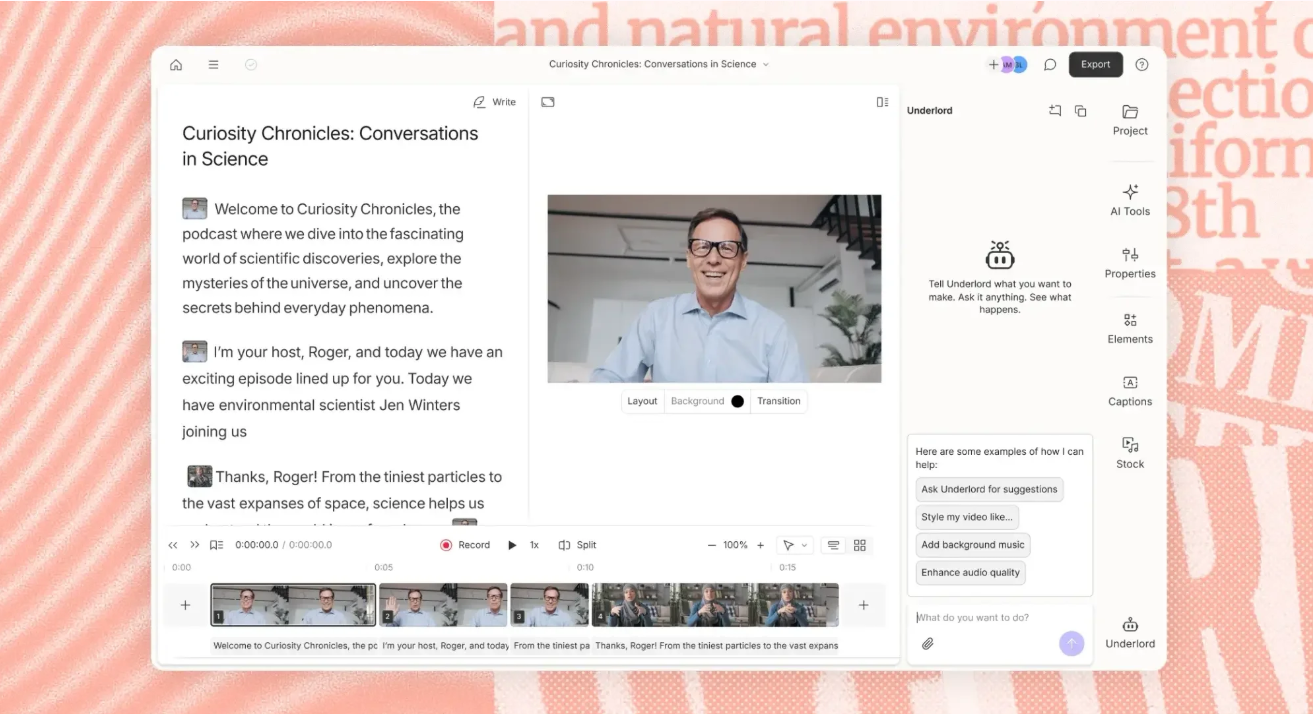
•Strengths: Text-based video/audio editing, Overdub AI voice fixes, 95% accuracy.
•Best for: Podcasters, video editors needing transcript-driven editing.
•Free tier: 1 hour/month. Pro: $24/month.
•Accuracy: Excellent for clean studio audio, struggles with heavy accents.
Descript’s killer feature: edit video by editing the transcript. Change words in text, audio updates automatically. Limited to English-heavy workflows.
3. MeetGeek
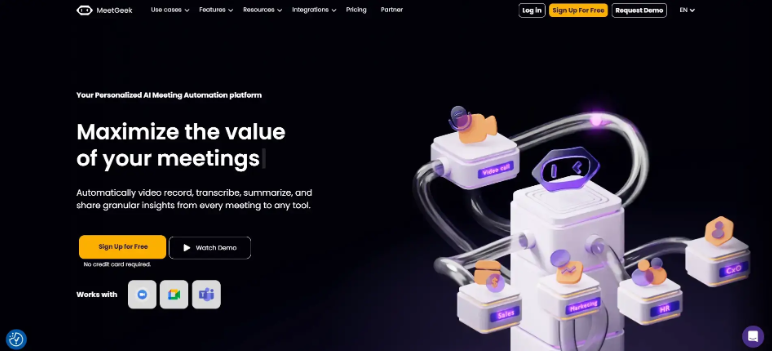
•Strengths: Automatic meeting recording, summaries, CRM integration.
•Best for: Team meetings, sales calls with follow-up notes.
•Free tier: 5 hours/month. Pro: $15/user/month.
•Accuracy: 92-95%, good speaker separation.
MeetGeek joins Zoom/Teams calls automatically, generates action items. Strong for English-only corporate environments.
4. Otter.ai

•Strengths: Real-time collaboration, keyword search, mobile app.
•Best for: Note-taking during interviews, lectures.
•Free tier: 600 minutes/month. Pro: $8.33/user/month.
•Accuracy: 90%+, conversation-focused.
Otter shines for live note-taking with real-time speaker chat. Limited language support beyond English.
5. Fireflies.ai

•Strengths: Meeting analytics, conversation intelligence, CRM sync.
•Best for: Sales teams tracking call sentiment.
•Free tier: 800 minutes/month. Pro: $10/user/month.
•Accuracy: 90-93%, analytics-focused.
Fireflies auto-joins calls, extracts metrics like talk time ratios. English-primary with basic multi-language.
Free vs Enterprise Transcription Comparison Table
| Tool | Free Tier | Languages | Accuracy | Speaker ID | Real-time | Compliance | API |
| Palabra | 7-day trial | 60+ | 98%+ | Yes | Yes | SOC2/GDPR | Yes |
| Descript | 60 min/mo | 22 | 95% | Yes | No | No | Limited |
| MeetGeek | 300 min/mo | 10 | 93% | Yes | Yes | Basic | Yes |
| Otter.ai | 600 min/mo | 3 | 90% | Yes | Yes | No | Yes |
| Fireflies | 800 min/mo | 8 | 91% | Yes | Yes | Basic | Yes |
How Palabra Transcription Works
Real-time Streaming Transcription
Upload audio or connect live stream – transcription begins immediately. No batch processing delays. Perfect for meetings where decisions happen in real time.
98%+ Accuracy Across 60+ Languages
Proprietary acoustic models trained on 500+ language-accent combinations. Handles code-switching (English→Spanish mid-sentence), heavy background noise, and overlapping speakers.
Text-based Editing + Translation
Edit transcript like a Google Doc. Changes propagate to audio timeline. One-click translation generates parallel subtitles in any supported language.
How To Get Started With Palabra (3 Steps)
Step 1: Record or Upload Audio
Connect Zoom/Teams/Google Meet, upload MP3/WAV, or stream live microphone. No format conversion needed.
Step 2: Auto-detect Language + Transcribe
System identifies primary language(s), segments speakers, delivers timestamped transcript within seconds of speech end.
Step 3: Edit, Export, Translate
Correct any errors, highlight action items, export SRT/VTT/Word/PDF. Translate full transcript or generate subtitles in 60+ languages.
When to Choose Enterprise Over Free Tools
Compliance & Security Requirements
Free tools store your audio indefinitely on shared infrastructure. Enterprise solutions offer data residency, encryption-at-rest, audit logs, and deletion guarantees. Critical for finance, healthcare, legal.
Multi-language Meeting Transcription
Global teams switch languages mid-meeting. Free tools handle English-only. Enterprise platforms detect language shifts, maintain 95%+ accuracy across 30+ languages simultaneously.
Integration With CRM/Telephony
Free tiers lack API access. Enterprise transcription hooks into Salesforce, HubSpot, Zendesk – auto-logging calls with full transcripts, sentiment analysis, and compliance tagging.
Bottom line: Free transcription works for personal podcasts. Enterprise transcription powers customer support at scale. Palabra delivers both – start with the free tier, scale to production without switching platforms.