Running a multilingual meeting used to mean either hiring interpreters or accepting that half the room would miss half the conversation. That tradeoff is no longer necessary. Real-time AI translation in 2026 has reached a level of accuracy and speed where it genuinely works in production environments – not as a novelty feature, but as reliable infrastructure for global teams.
We reviewed and tested the leading live translation tools currently available. This guide ranks them by practical performance, with Palabra.ai at the top for real-time speech-to-speech translation, latency, and developer integration flexibility.
Quick Summary: Top AI Translation Tools
| Tool | Best for | Live meeting translation | Captions | Typical deployment | Pricing model (public info) |
| Palabra.ai | Real-time multilingual conversations and product integrations | Yes | Yes | App + API (WebRTC/WebSocket streaming) | See palabra.ai/pricing |
| Talo | AI interpreter experience inside common meeting tools | Yes | Yes | Zoom/Meet/Teams support | Monthly/Annual per-user/minute plans |
| Interprefy | Enterprise and event-grade interpreting workflows | Yes | Yes | Web platform + app + integrations | Quote-based / Usage-based |
| Maestra AI | Upload-based transcription, subtitles, dubbing | Yes (new Live product) | Yes | Web-based uploads + Live link | Monthly subscription tiers |
| Kudo | Enterprise events with interpretation options | Yes | Yes | Event-grade setups, widgets/integrations | Usage-based / Event-based |
| DeepL Voice | Teams-centric voice translation and captions | Yes | Yes | Microsoft Teams + mobile | Annual per-license contracts |
| Boostlingo | Higher-stakes meetings needing AI plus human interpreters | Yes | Yes | Meeting platforms + interpreter layer | Subscription + usage or quote-based |
| Notta AI | Bilingual live transcription and meeting summaries | Yes | Yes | Web, Chrome extension, Meeting bots | Freemium / Monthly subscription |
| Fireflies.ai | Multilingual note-taking and CRM collaboration | Yes | Yes | Meeting bots (Zoom, Teams, Meet) | Freemium / Monthly subscription |
| Wordly AI | Large multilingual events and webinars | Yes | Yes | Event/webinar platforms | Volume packages (e.g., 10-hour blocks) |
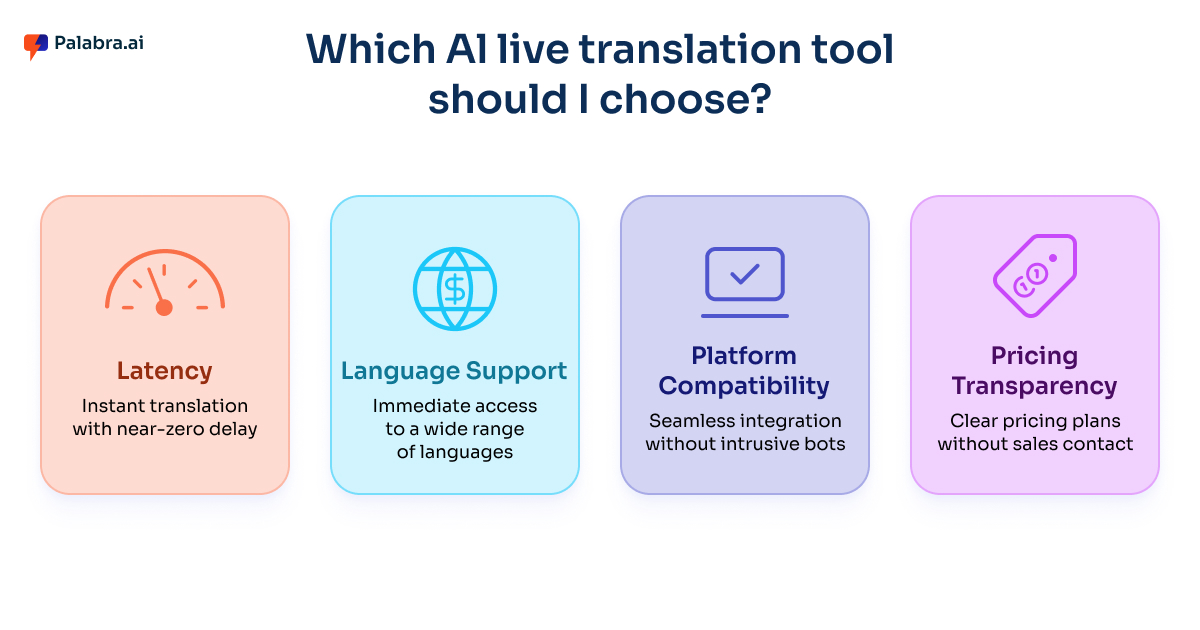
How We Picked the Best AI Translation Tools?
Speed and Coherence
A live translation tool that produces accurate output thirty seconds after the speaker finishes is not actually useful. Our evaluation threshold for “real-time” required coherent output at normal conversational speaking speed, with meaning preserved rather than just words substituted. Palabra.ai’s sub-second latency for two-way translation set the benchmark against which other tools were measured.
Implementation Friction
A two percent quality advantage means nothing if the tool takes three weeks and a procurement process to deploy. We weighted setup time heavily, distinguishing between tools a team member can activate in an afternoon and tools that require sales-led onboarding. Both categories have legitimate use cases – but we call out which is which.
Integration Architecture
Some teams need a standalone app. Others need translation logic embedded directly in their own product. These are different requirements that call for different tools. Palabra.ai’s Streaming API supports WebRTC for browser and client applications and WebSocket for server-side integrations – a dual-architecture approach that covers both deployment patterns without requiring separate products.
Pricing Transparency
Public pricing is a practical advantage for teams that need to move quickly. Where vendors require a sales conversation before disclosing cost, we note it and keep the recommendation grounded in use-case fit rather than assumed price points.
Cross-Device Performance
Global teams join from different devices, operating systems, and network conditions. Tools that deliver both audio translation and readable captions, and that perform consistently across the meeting surfaces people already use, show better real-world adoption than tools that work perfectly in controlled demos.
10 Best AI Translation Tools We Tried in 2026
1. Palabra.ai (Best Overall AI Live Translation Tool)

Palabra.ai is purpose-built for real-time speech translation in a way that distinguishes it from tools that added translation as a secondary feature. The platform delivers simultaneous two-way translation with latency below one second, handles captions alongside audio output, and provides full pipeline control from speech recognition through translation to voice synthesis.
Key Capabilities
•Real-time speech-to-speech translation: two-way automatic translation designed to feel like simultaneous interpretation. Both parties receive translated audio in near-real time without pausing for the exchange.
•Real-time captions: translated text appears alongside or instead of audio, supporting accessibility, noisy environments, and participants who process written language more effectively.
•Voice auto-cloning: Palabra selects a voice approximating the original speaker’s characteristics and applies automatic cloning to make translated audio sound like the person speaking – not a generic synthesized voice.
•Custom glossaries: domain-specific terminology can be loaded into the system to enforce consistent translation across sessions – critical for organizations where specific terms carry precise meaning.
•Streaming API with dual architecture: the WebRTC path handles browser and client app integrations; the WebSocket path handles server-side deployments. Covers both “use our platform” and “embed into our product” scenarios.
•Full pipeline ownership: Palabra controls the complete chain from ASR input through translation to TTS output, avoiding the latency and consistency overhead of stitching together separate services.
•Security and data handling: conversations are encrypted in transit; Palabra does not store conversation data.
•Deployment flexibility: video streams can be integrated via iframe widget or API without requiring custom software extensions on the attendee side.
Pricing details are available at palabra.ai/pricing. Demo and free trial access are available directly through the platform.
2. Talo
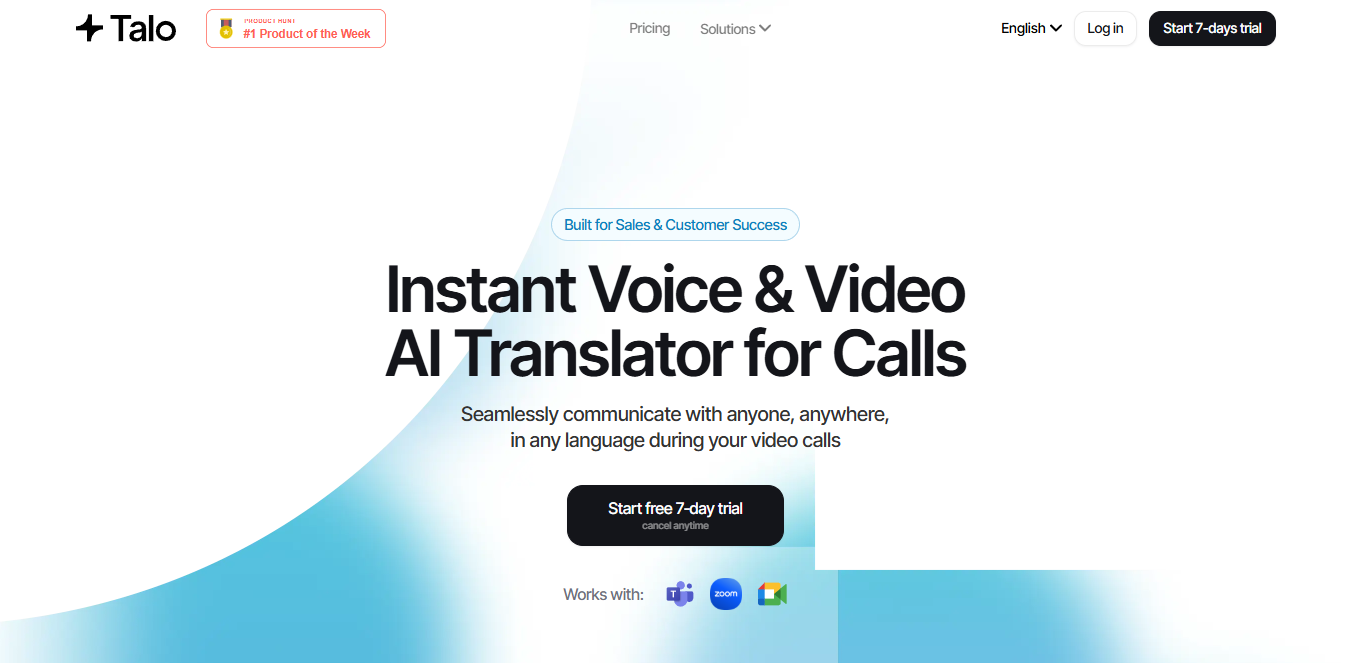
Talo is designed to function as a persistent meeting assistant for teams using Zoom, Google Meet, and Microsoft Teams on a daily basis. The experience feels less like deploying event infrastructure and more like adding a capable multilingual participant to every call. Bots join scheduled meetings automatically and provide both real-time audio translation and subtitles without requiring participants to change their existing setup.
The focus on business operations rather than large-scale events makes Talo effective for daily standups, client calls, internal training sessions, and department-level communication across language boundaries. SOC 2 compliance and standard enterprise security features make IT adoption straightforward.
Best for
Teams running frequent multilingual meetings who want translation embedded in existing workflow tools rather than a separate platform.
3. Interprefy
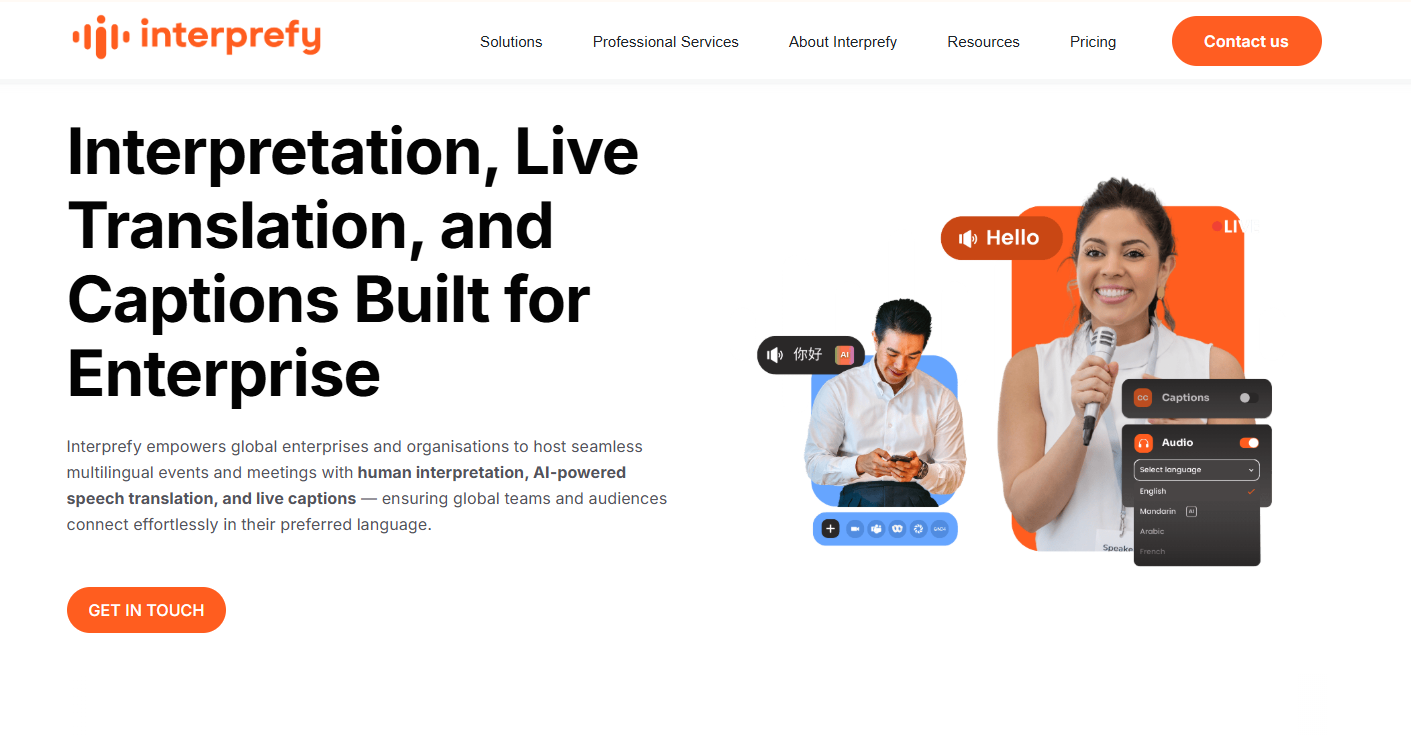
Interprefy entered the market as a professional interpreter connectivity platform and has expanded to include AI translation capabilities alongside its human interpreter network. The combination gives clients flexibility that pure AI tools cannot offer – AI translation for standard sessions, human interpreter precision for VIP panels or sensitive discussions.
Interprefy Now converts any smartphone into a listening device for in-person events through a browser-based interface that requires no app download. Beyond software, Interprefy provides project management and technical support for critical events – a service layer that matters for international congresses where a technical failure has real reputational consequences.
Pricing is quote-based and depends on language count, event duration, and whether human interpreters are included.
Best for
Enterprise events, international congresses, and organizations that need guaranteed access to human interpreters alongside AI capabilities.
4. Maestra AI
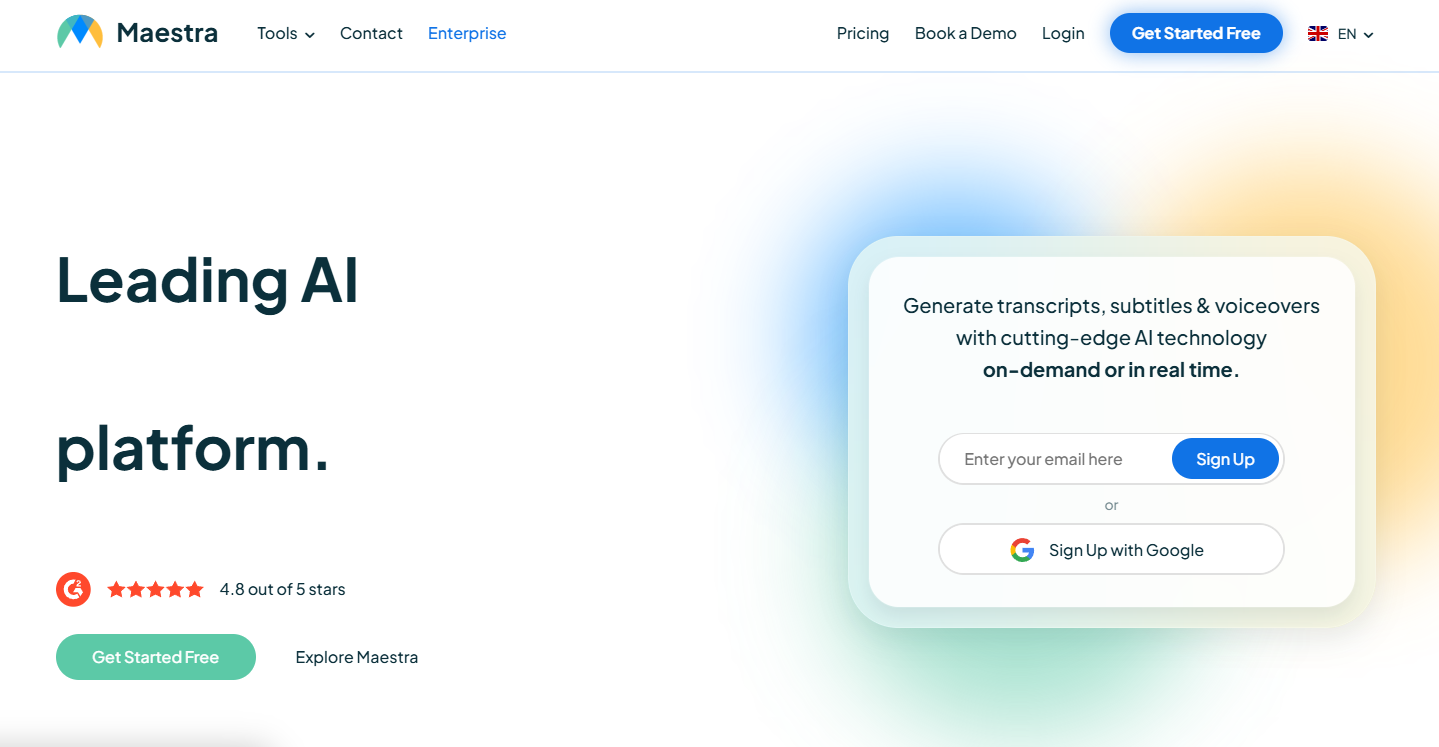
Maestra AI — Best for Combined Live and Post-Production
Maestra AI built its reputation on post-production tools – transcription, subtitling, and dubbing – before launching Maestra Live to extend the same quality standards to real-time scenarios. The platform serves organizations that need both a live translation experience and polished, publishable assets from the same session.
The live product works through a simple link-sharing workflow: the organizer shares a link, attendees access captions and audio translation without additional setup. The same session transcript can be converted into edited subtitles or dubbed video immediately after the event. Pricing is tiered and transparent.
Best for
Teams that produce on-demand content from live events and need both real-time translation and high-quality post-production output from the same source.
5. Kudo
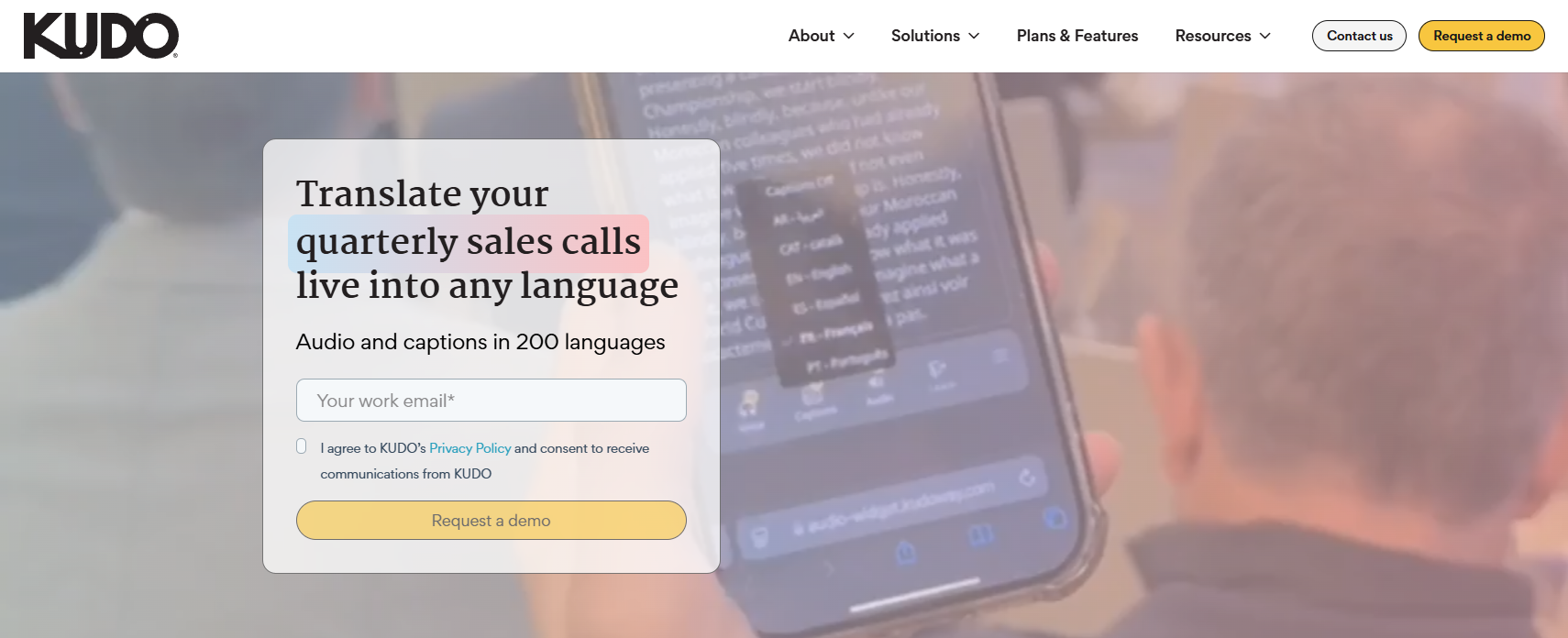
Kudo emerged from the professional interpreting world and maintains a hybrid model: AI-powered speech-to-speech translation for standard use cases, combined with an active marketplace of certified human interpreters for sessions where AI performance is insufficient. The Kudo Widget integrates translation accessibility directly into other web platforms and applications.
Enterprise procurement features – compliance documentation, security certifications, usage reporting – make Kudo well-suited for international NGOs, government bodies, and multinational corporations with structured vendor requirements. Pricing is usage-based or license-based and typically requires direct engagement with the sales team.
Best for
International organizations and NGOs accustomed to professional interpretation workflows that want AI as an option within the same familiar environment.
6. DeepL Voice
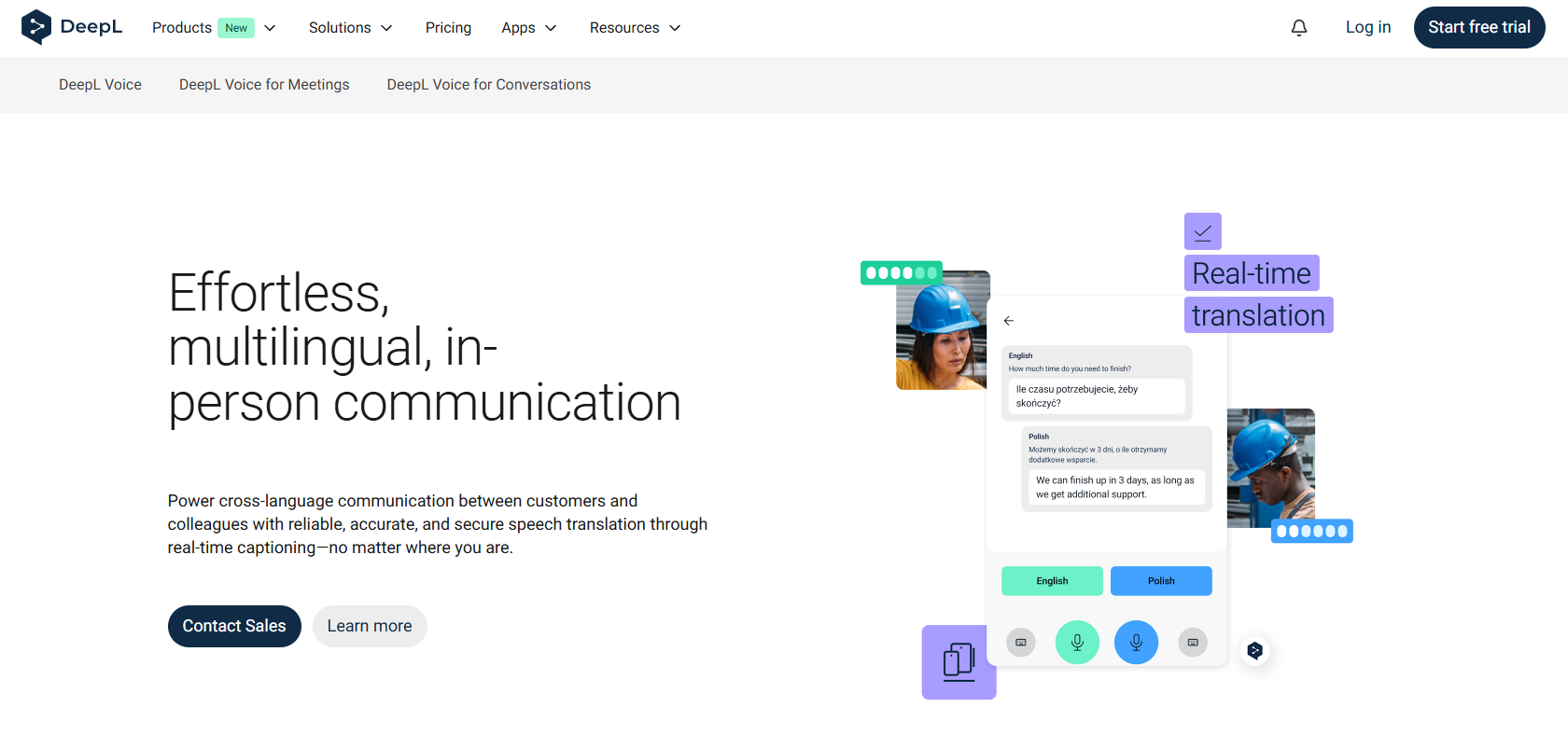
DeepL has a well-established reputation for producing more naturally fluent text translation than most competing engines, particularly for European language pairs. DeepL Voice applies the same linguistic models to spoken conversation, targeting teams already operating within the Microsoft 365 environment.
The Teams integration functions as a native feature rather than a third-party add-on, which reduces adoption friction significantly. The mobile app supports face-to-face translation scenarios. Enterprise pricing runs on annual contracts.
Best for
Microsoft Teams-centric organizations that prioritize translation quality and are prepared for annual licensing.
7. Boostlingo

Boostlingo operates extensively in healthcare, legal services, and community interpreting – contexts where a mistranslation has serious practical consequences. The AI Pro offering uses AI translation as the default and routes calls to human interpreters automatically when the conversation exceeds AI capability thresholds or when the user requests escalation. The transition happens in seconds, preserving continuity.
HIPAA compliance and legal interpreting certifications make Boostlingo appropriate for organizations that cannot use standard commercial tools without specific regulatory accommodations. Pricing combines platform subscription with per-minute usage fees.
Best for
Healthcare organizations, legal service providers, and community service agencies with compliance requirements and variable call complexity.
8. Notta AI

Notta AI approaches live translation from a meeting intelligence perspective rather than a real-time voice dubbing angle. Its primary value is bilingual transcription – producing both original and translated text simultaneously. The Chrome extension processes audio directly from the browser without requiring a meeting bot to join the call.
AI-generated structured summaries sync automatically to Notion, Slack, and other common productivity tools. The free tier provides 120 minutes of transcription per month. The Pro plan at $14.99 per month unlocks 1,800 minutes and full translation features.
Best for
Professionals who need immediate bilingual documentation and structured summaries from multilingual meetings, particularly for async review and record-keeping.
9. Fireflies.ai
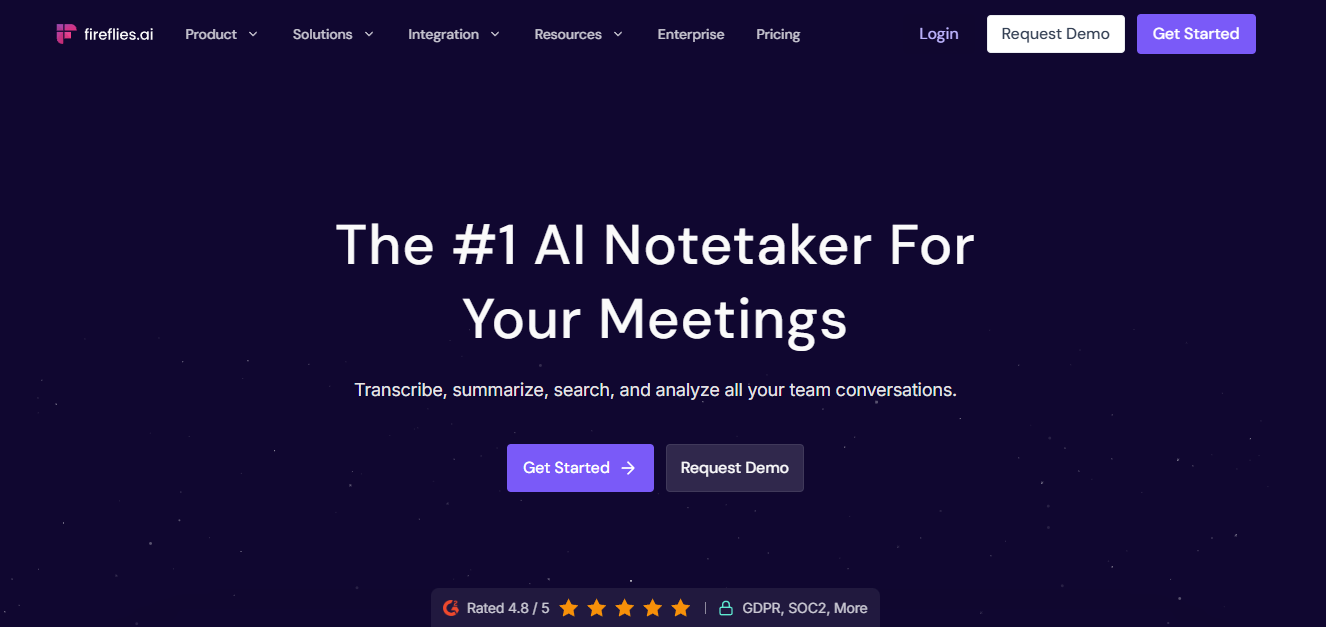
Fireflies.ai has expanded its language models to cover 60+ languages with a stated 95% transcription accuracy rate. The CRM integration depth distinguishes it from generalist transcription tools – notes, action items, and full transcripts sync directly into Salesforce, HubSpot, and other revenue platforms without manual export steps.
Topic tracking automatically identifies pricing discussions, competitor mentions, and recurring themes across multilingual call libraries. The free tier includes 800 minutes of storage per seat. The Pro plan at $18 per user per month ($10 billed annually) opens unlimited transcription and broader integration options.
Best for
Sales teams and revenue organizations that need multilingual meeting intelligence connected directly to CRM and sales workflows.
10. Wordly AI

Wordly AI is designed specifically for the one-to-many broadcast scenario: a single presenter speaking to a large multilingual audience where two-way dialogue is not the primary requirement. The platform scales to thousands of simultaneous listeners without hardware distribution, with attendees accessing translated audio or captions on their own devices.
Deep integrations with Cvent, Zoom Webinars, and vFairs make Wordly a natural fit for event organizers already operating within those platforms. Custom glossary upload ensures that brand terminology and product names translate consistently. Volume-based pricing aligns with event organizer budgeting cycles.
Best for
Conference organizers, webinar hosts, and event teams that need scalable one-way translation without hardware logistics.
How to Choose the Right Tool
Three use cases map cleanly to different parts of this list.
Real-time two-way conversation
Palabra.ai is the most purpose-built option available. Sub-second latency, voice cloning, full API control, and a no-storage privacy commitment make it the strongest choice for teams where translation quality and integration depth are non-negotiable.
Large structured events with one-way translation
Wordly AI, Interprefy, and Kudo are built around the event operations model – scalable attendee access, glossary management, and platform integrations that fit conference workflows.
Meeting documentation and async review
Notta AI and Fireflies.ai deliver significantly more value than real-time voice tools for teams whose primary need is accurate multilingual records, summaries, and CRM integration rather than instant speech dubbing.