Ukrainian translation apps are useful in very different situations, from reading signs and menus to handling live conversations and meetings. The best choice depends on whether you need real-time speech translation, polished written output, or quick help while traveling.
Best Ukrainian Translator Apps at a Glance
| Rank | App | Best for | Main limitation |
| 1 | Palabra | Real-time Ukrainian speech translation for meetings, webinars, events, and streams | More professional than casual travel apps |
| 2 | Talo | Live Ukrainian translation in video calls | Primarily centered on meeting and call workflows |
| 3 | Google Translate | Travel, quick lookups, camera translation, and offline support | Can miss nuance in context-heavy Ukrainian |
| 4 | DeepL | Natural written Ukrainian translation for business and longer text | Not built for voice or camera workflows |
| 5 | Microsoft Translator | Everyday conversations and multilingual communication | Less specialized for live pro workflows |
| 6 | SayHi | Simple spoken conversations on the go | Narrow feature set compared with larger apps |
| 7 | Waygo | Menus, signs, and printed text via camera | Limited voice support |
| 8 | Yomiwa | Reading support and language learning | More useful for study than quick translation |
1. Palabra
Palabra is the strongest option for users who need Ukrainian to English translation in real time, especially during meetings, webinars, conferences, live streams, and other live communication settings. Its core strength is that it is built for continuous speech translation rather than isolated sentence lookup.
The platform supports the full speech pipeline from transcription to translation to voice output, and it also offers features like custom glossaries, live captions, and low-latency delivery. That matters for Ukrainian because live conversations often depend on timing, terminology, and speaker clarity, not just word-for-word accuracy.
What stood out
- Real-time speech translation for live communication.
- Live captions, translated audio, and customizable workflows.
- Custom glossaries for consistent terminology in professional use cases.
- Natural-sounding voice output for live interpretation scenarios.
Best for
Palabra is best for teams, educators, event organizers, and creators who need Ukrainian translation during live communication.
Limitation
It is not meant to replace a lightweight travel-first app for offline menu reading or quick tourist phrases.
2. Talo
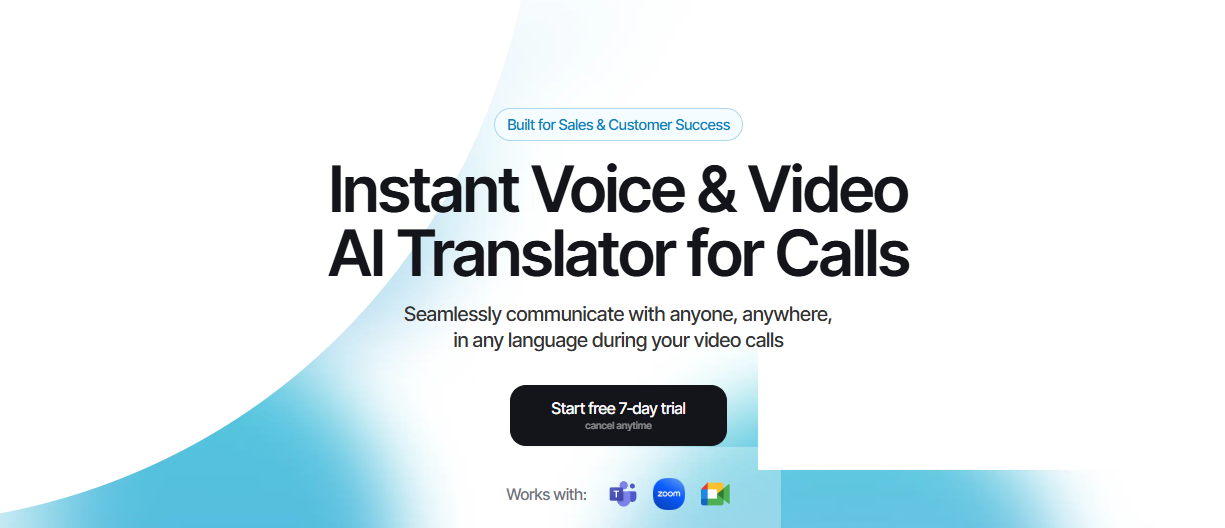
Talo is one of the clearest choices when the main need is Ukrainian translation during video calls. It is positioned around remote conversations and major meeting platforms, which makes it especially practical for cross-language calls in Zoom, Google Meet, and Microsoft Teams-style workflows.
The product stays focused on call translation instead of trying to cover every translation scenario at once. That narrow focus is helpful for users who want a clean meeting tool rather than a general translator with extra features they will never use.
What stood out
- Built specifically for live video-call translation.
- Works with popular meeting platforms and remote collaboration workflows.
- Supports fast, real-time translated conversation.
- Designed for low-friction setup in calls and meetings.
Best for
Talo is best for business calls, customer interviews, remote team meetings, and other online conversations where Ukrainian is part of the workflow.
Limitation
It is primarily a call-centered tool, so users looking for travel, camera, or broader written translation may need a different app.
3. Google Translate

Google Translate remains the most practical all-purpose Ukrainian translator for everyday use. It combines text, voice, and camera translation, and it is especially useful for travel scenarios where people need fast help with signs, menus, and short questions.
Its biggest advantage is convenience. For many users, it is already installed, familiar, and capable enough to cover most simple translation tasks without extra setup.
What stood out
- All-in-one text, voice, and camera translation.
- Offline packs for travel support.
- Useful for menus, signs, labels, and short everyday phrases.
Best for
Google Translate is best for travelers and casual users who want one familiar app for many basic Ukrainian translation tasks.
Limitation
It can feel literal in context-heavy Ukrainian, especially when tone or nuance matters.
4. DeepL
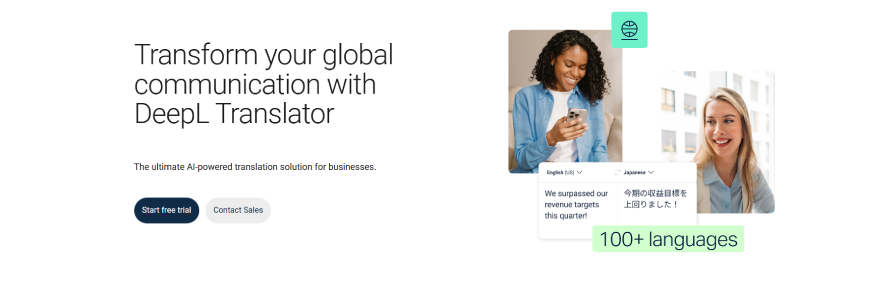
DeepL is the strongest choice when the task is written Ukrainian translation rather than live conversation. It is especially useful for emails, business writing, longer passages, and situations where the tone of the output matters almost as much as meaning.
In text-first workflows, DeepL often feels more polished than general-purpose tools. The tradeoff is that it does not focus on live speech, camera translation, or travel support, so its value is concentrated in written use cases.
What stood out
- Strong written translation quality for longer text.
- Good phrasing for formal and professional communication.
- Helpful for documents and business writing.
Best for
DeepL is best for professionals and writers who need clean Ukrainian-to-English written translation.
Limitation
It has no practical camera or live voice workflow for travel or meetings.
5. Microsoft Translator
Microsoft Translator is a useful option for everyday conversations and multilingual communication. It is often chosen for basic translation needs when users want a familiar app that works across different devices and situations.
The app is broad rather than specialized, which can be a benefit for general use. At the same time, that broad design means it is not as focused as a dedicated live speech platform for demanding interpretation workflows.
What stood out
- Useful for basic conversation and multilingual translation.
- Broad everyday utility across common scenarios.
- Good fit for users already in Microsoft ecosystems.
Best for
Microsoft Translator is best for casual communication and general-purpose translation use.
Limitation
It is less specialized for live professional workflows than tools built specifically for real-time speech.
6. SayHi

SayHi is built for simple spoken conversations, which makes it useful when the goal is to talk and understand quickly without too much complexity. That directness is appealing for users who want a lightweight conversation tool rather than a full translation suite.
Its value is simplicity. For short real-world exchanges, a clean voice-first interface can be more useful than a large feature set that gets in the way.
What stood out
- Simple spoken conversation workflow.
- Easy to use for quick back-and-forth translation.
- Lightweight design for on-the-go use.
Best for
SayHi is best for short, casual Ukrainian conversations.
Limitation
It has a smaller feature set than broader translation apps.
7. Waygo
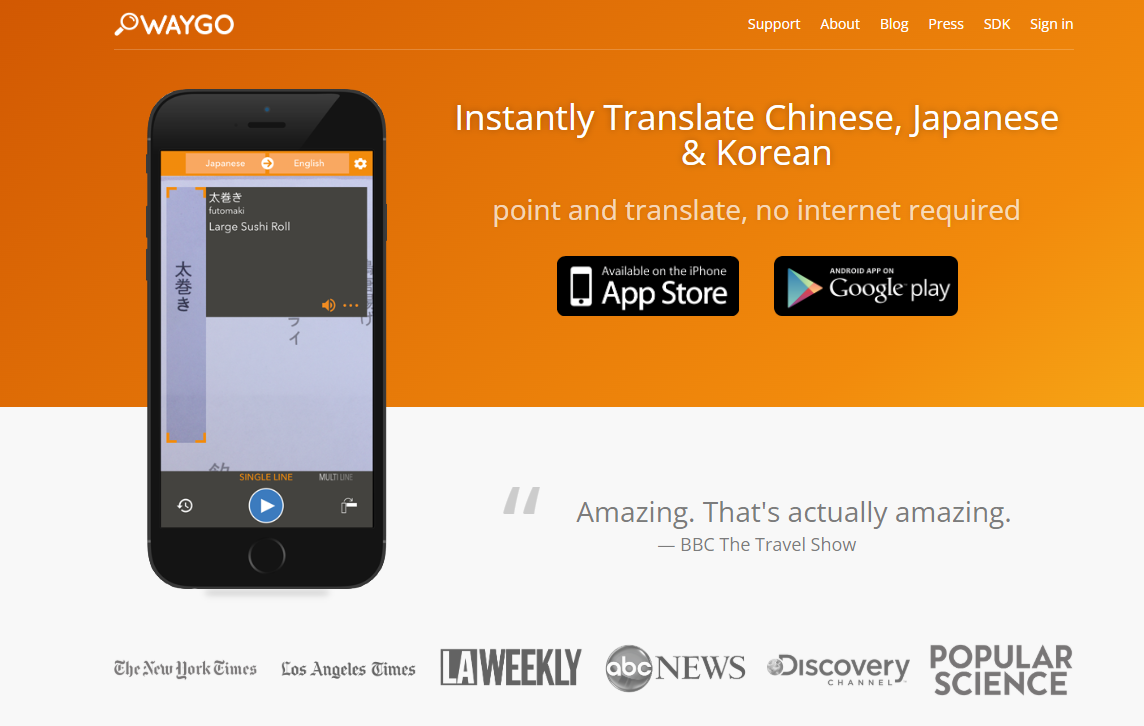
Waygo is built for a very specific job: translating printed text through the camera. That makes it especially useful for menus, labels, and signs when users want immediate visual translation without typing.
Its offline-friendly focus is one of its main advantages. Instead of trying to solve every translation problem, it stays centered on simple visual reading tasks.
What stood out
- Fast camera translation for signs and menus.
- Works well in offline or low-connectivity situations.
- Simple and focused visual translation experience.
Best for
Waygo is best for travelers who mainly need Ukrainian camera translation in public places.
Limitation
It does not provide strong live voice translation, so it is too narrow for broader communication needs.
8. Yomiwa
Yomiwa is more of a learning and reading tool than a broad consumer translator. It stands out for scan-based reading support, character breakdowns, and contextual help, which makes it useful when the user wants to understand text more deeply.
That makes it especially helpful for learners, even if it is less convenient for fast everyday translation. In study contexts, the extra detail is a strength rather than a burden.
What stood out
- Helpful scanning and reading support.
- Good for learning and understanding written text.
- Detailed breakdowns rather than only quick translations.
Best for
Yomiwa is best for language learners and users who want more context while reading.
Limitation
It can be too specialized for users who only want quick general translation.
How to Choose the Right App
The best Ukrainian translator app depends on the format of the task. For travel, camera mode and offline support matter most; for writing, translation quality matters most; for learning, reading support matters most; and for meetings, low-latency live speech translation matters most.
A simple rule is to match the app to the real-world setting. Google Translate and Waygo fit travel, DeepL fits written work, Yomiwa fits study, and Palabra or Talo fit live communication.
Final Thoughts
Ukrainian translation is not one single use case, so the best app depends on whether the user needs live speech, written text, travel support, or reading help. The strongest choice usually comes from matching the tool to the situation rather than trying to find one app that does everything equally well.
For live communication, the most valuable qualities are speed, clarity, and a workflow that handles speech as it happens. In that category, Palabra stands out as a particularly strong option because it is built around real-time voice translation, live captions, customizable terminology, and low-latency multilingual communication.
At the same time, the rest of the list still matters because each app solves a different Ukrainian translation problem well. Google Translate and Waygo are practical for travel, DeepL is better for polished writing, Microsoft Translator and SayHi are useful for simple conversations, and Yomiwa is valuable for reading and learning.