
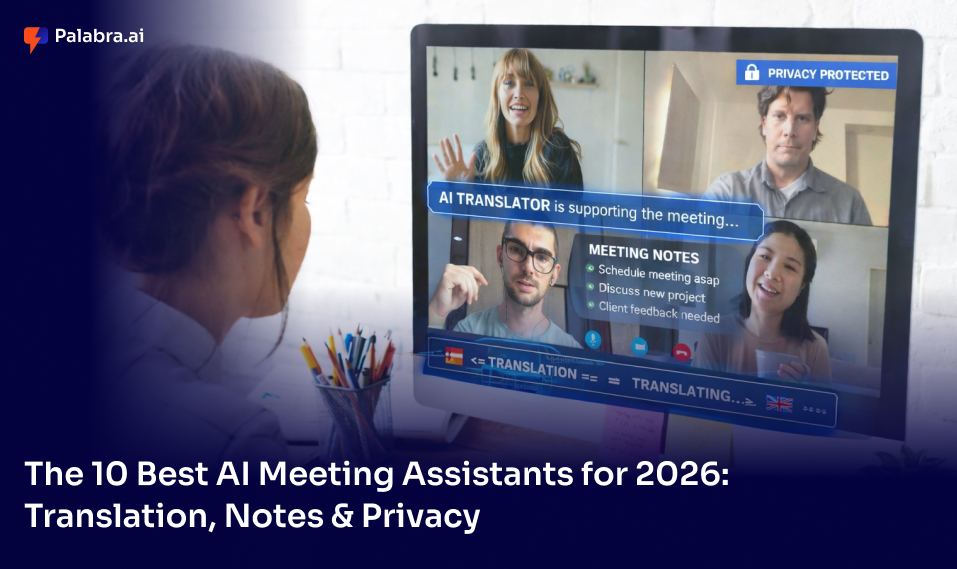
AI meeting assistants come in very different flavours.
Some are built for real-time multilingual translation – making every attendee a first-class participant, regardless of language.
Some are note-takers – turning messy conversations into structured summaries, tasks, and decisions.
Some focus on scheduling – protecting your focus time and automating calendar logistics.
Some serve revenue and coaching teams – tracking talk ratios, competitor mentions, and sales signals.
You don’t need all of them. You need the one that fits the way your team works.
I tested every tool on this list across real meetings, evaluated transcription quality, real-time features, integration depth, and – crucially – what each tool actually does with your voice data. Here are the 10 best AI meeting assistants for 2026.
What You Need to Know
- Palabra.ai is the best choice if translation is the core job: real-time multilingual output, browser-based attendee access, and a streaming API your team can integrate into its own products.
- Jamie is the best bot-free, privacy-first note-taker for individuals and small teams who want structured notes without disrupting the call.
- Fireflies.ai is the best all-rounder for topic tracking, collaboration, and CRM integrations.
- Fathom is the best free option to get started with zero commitment.
- Otter.ai is the best for transcript-driven teams that love a chat-style AI query interface.
Why You Need an AI Meeting Assistant in 2026
Breaking the Language Barrier in Global Calls
Imagine a product team in Helsinki, a client in Tokyo, and a partner in São Paulo – on one call. One person speaks, others miss nuance, decisions degrade into email chains. Traditional meeting tools transcribe in one language and leave everyone else to manage on their own. The gap between “we had a meeting” and “everyone understood the meeting” can cost days of follow-up – and deals.
“I Can’t Talk, Take Notes, and Translate at the Same Time”
Even in a single language, facilitating a call, actively listening, and writing down actions are three separate cognitive tasks. Add translation and it becomes impossible. Pascal spends his whole day in meetings and struggles to remember who said what; Dmitry faces long meetings with many people that often feel messy and overwhelming. The value of a good AI meeting assistant isn’t automation for its own sake – it’s giving people full presence in the room.
The Privacy Concern: Who Owns Your Voice Data?
Meeting audio often contains product roadmaps, customer details, security context, and salary discussions. Every AI assistant you add is also a data-handling decision. Before committing to any tool on this list, it’s worth asking: what is recorded, what is stored, for how long, and does the vendor use it for model training?
How We Evaluated the Best AI Assistants
- Real-time usefulness: Does it help during the meeting (live captions, translation, audio cleanup) or only after (summary, transcript, search)?
- Output quality: Are the notes structured (decisions, actions, owners) or a raw wall of text?
- Multilingual support: Does it support translation at meeting speed? Can you control terminology via custom glossaries?
- Integration surface: Can you plug it into your existing stack – CRM, Slack, task managers – without engineering effort?
- Privacy posture: Is there a clear statement about what’s stored, retained, and used for training?
- Accessibility: Can attendees join without installing anything? Is the experience inclusive for all participants?
Palabra.ai – Best for Global Teams & Enterprise Privacy

Platforms: Zoom, Google Meet, Microsoft Teams, browser-based (no-install attendee access)
Palabra pros:
- Real-time translation during the meeting, not just after
- Attendees join via browser link or QR code – no app install required
- Custom business-term glossaries for domain-accurate translation
- Streaming API with Python and JavaScript clients for product integrations
- No conversation data stored; encryption in transit
Palabra cons:
- If your meetings are in a single language, a translation-first tool may be more than you need
- Glossaries require upfront configuration to get full benefit from them
Palabra is the AI meeting assistant you choose when translation is not a nice-to-have but the core success condition of the meeting. While most tools in this category transcribe first and offer basic translation later, Palabra is built from the ground up for real-time multilingual output – meaning every attendee sees captions in their own language, live, as the speaker talks.
Real-time translation for 60+ languages with custom glossaries
Palabra’s marketing site advertises real-time translation for 60+ languages, while the API documentation lists 70+ supported languages – including English and German with full bidirectional support. The breadth here is production-ready: it’s not a list of “supported” languages that silently degrade in quality; it’s a system designed for multilingual deployment at scale. What makes this especially practical is the custom glossary feature. Business term glossaries let you define product names, technical terms, and brand vocabulary so translation stays consistent across sessions – not a generic dictionary output. For enterprise or event use cases where “Palabra.ai” must never become “Word AI,” this is a critical control.
Zero-install access: Attendees join via QR code or browser link
One of the biggest friction points in event and enterprise deployment is getting a diverse audience into the same experience. Palabra solves this by offering browser-based attendee access: participants join via a shared link or a QR code, straight in their browser, without downloading an app or creating an account. This is especially valuable for conferences, government hearings, healthcare briefings, or any event where “download this first” is not an acceptable barrier. The attendee reads captions or follows the translation in their preferred language – no setup, no delay.
Complete data sovereignty: No conversation data stored
Palabra’s pricing page states clearly: conversations are encrypted and no conversation data is stored. This is a specific, auditable claim – not a vague “we take privacy seriously” statement. For organizations in regulated industries (finance, healthcare, legal), this distinction matters enormously. It means your Q4 revenue call, your patient consultation, or your M&A discussion doesn’t persist in a vendor’s database after the session ends. Worth noting: per Palabra’s Terms, some account-level and usage data is stored (email, credentials, operational logs), as is standard. The “no storage” guarantee applies specifically to conversation content.
Streaming API for product integrations (Python + JavaScript/Node)
If you want Palabra inside your own product – not just as a standalone meeting tool – the Streaming API is the right entry point. The documentation provides a streaming-first architecture, and quick-start guides reference Python and JavaScript clients (covering Node.js environments). This is the difference between “our team uses a SaaS app” and “our platform delivers multilingual audio in real time.” For SaaS builders, edtech platforms, telemedicine apps, or enterprise communication tools, the SDK unlocks the entire translation engine as infrastructure.
ARIA-compliant captions for accessible meetings
Palabra’s API documentation describes caption modes including captions-only and captions-with-translation – making it possible to deploy real-time readable text for attendees who are hard of hearing, non-native speakers, or simply prefer reading to listening. This brings meetings into accessibility compliance in a meaningful way: not just a transcript delivered 24 hours later, but a live readable experience alongside the audio.
Pricing
For exact current tiers and what each plan includes, check Palabra’s pricing page directly at palabra.ai/pricing as plans are updated regularly.
Jamie – Best for Bot-Free Note-Taking
Platforms: macOS 13.1+, Windows, iOS (for in-person meetings)
Jamie pros:
- No bot joins the call; captures system audio from your device directly
- Structured notes with decisions and action items, not just a transcript
- GDPR-compliant; audio is deleted after transcription; servers in Frankfurt
- Works offline and for in-person meetings (iOS app)
- “Ask AI” lets you query past meetings in plain language
Jamie cons:
- No real-time transcription during the meeting
- No video recording or visual content capture
- No sales coaching or revenue intelligence features
Jamie is an AI note-taker that runs as a native app on your Mac or Windows machine, capturing audio from your device – which means it doesn’t need to join your call as a visible bot. That matters in two practical ways: your meeting participants don’t see an uninvited attendee, and Jamie can capture in-person conversations (via the iOS app) just as easily as Zoom calls. When the meeting ends, Jamie generates a structured summary, pulls out action items and decisions, and produces a full transcript – typically within 1-5 minutes.
The data posture is specific and auditable: audio is uploaded for processing and permanently deleted after the transcript is generated; transcripts are stored for access; meeting notes are generated via LLM APIs where the data is not stored or used for training by those third parties; and Jamie’s own model training uses account-only data for speaker identification and custom words. For GDPR-sensitive organizations, the Frankfurt server location and the explicit deletion policy matter. Jamie’s “Ask AI” feature lets you query any past meeting in natural language – useful when you remember the decision but not where it was documented.
Jamie Pricing:
- Free: €0/month
- Standard: €24/month
- Pro: €47/month
- Executive: €99/month
Fireflies.ai – Best for Collaboration and Topic Tracking
Platforms: Zoom, Google Meet, Teams, Webex, GoTo Meeting, Skype, Dialpad Meetings, Lifesize, Jitsi
Fireflies pros:
- Generative AI features (AskFred) for querying meeting content
- Can send meeting recaps automatically
- Strong range of native CRM and workflow integrations
Fireflies cons:
- Some screens feel cluttered once you have many meetings organized
Fireflies shines when you have dozens of meetings per week and need them organized, searchable, and shareable across a team. The app transcribes every speaker (with identification once you label who’s who) and then applies a set of AI layers: it isolates dates, metrics, tasks, and questions for filtering; runs sentiment analysis; tracks speaking percentages and words-per-minute per participant; and lets you add custom topic trackers so that “competitor mentions” or “pricing conversations” are always flagged.
For teams that need to share moments from meetings, Fireflies offers soundbite creation: clip any section of the recording into a shareable snippet that teammates can comment on and react to – useful for async review without forcing everyone to watch a full recording. The integration list is broad (HubSpot, Salesforce, Slack, Dropbox), and Zapier extends this to thousands of additional apps.
Fireflies Pricing:
- Free: unlimited transcription, 800 minutes of storage
- Paid plans from $10/user/month (billed annually)
Otter.ai – Best for Transcript-First Teams and Chat-Style AI Queries
Platforms: Zoom, Google Meet, Microsoft Teams
Otter pros:
- AI Chat lets you query meetings in natural language, account-wide
- Supports separating meetings by workspace for multi-team use
- Can transcribe uploaded audio and video files, not just live calls
Otter cons:
- Struggles with technical language and strong accents
- The meeting bot joins automatically, which some participants find intrusive
- Free plan limits are tight for high-volume users
Otter’s standout feature is AI Chat – a meeting-specific query interface that lets you ask questions like “was I mentioned in this meeting?” and receive a structured breakdown of action items assigned to you. This isn’t just per-meeting: Otter’s account-wide chat searches across all your recent meetings simultaneously, making it feel less like a transcript viewer and more like a memory system you can converse with.
The platform also adds workspace-level team features: channels where you can collaborate on transcripts, mention Otter to ask questions, and tag teammates to assign tasks – all without leaving the platform. For Slack-first teams, Otter integrates there too, so meeting snippets can be pushed into the channels where work is already happening. The slide capture feature (which saves presenter slides directly into the transcript timeline) is a subtle but practically useful addition for teams that rely on visual decks during calls.
Otter Pricing:
- Free: up to 300 minutes/month
- Pro: $8.33/user/month (billed annually)
- Business: $30/month/user
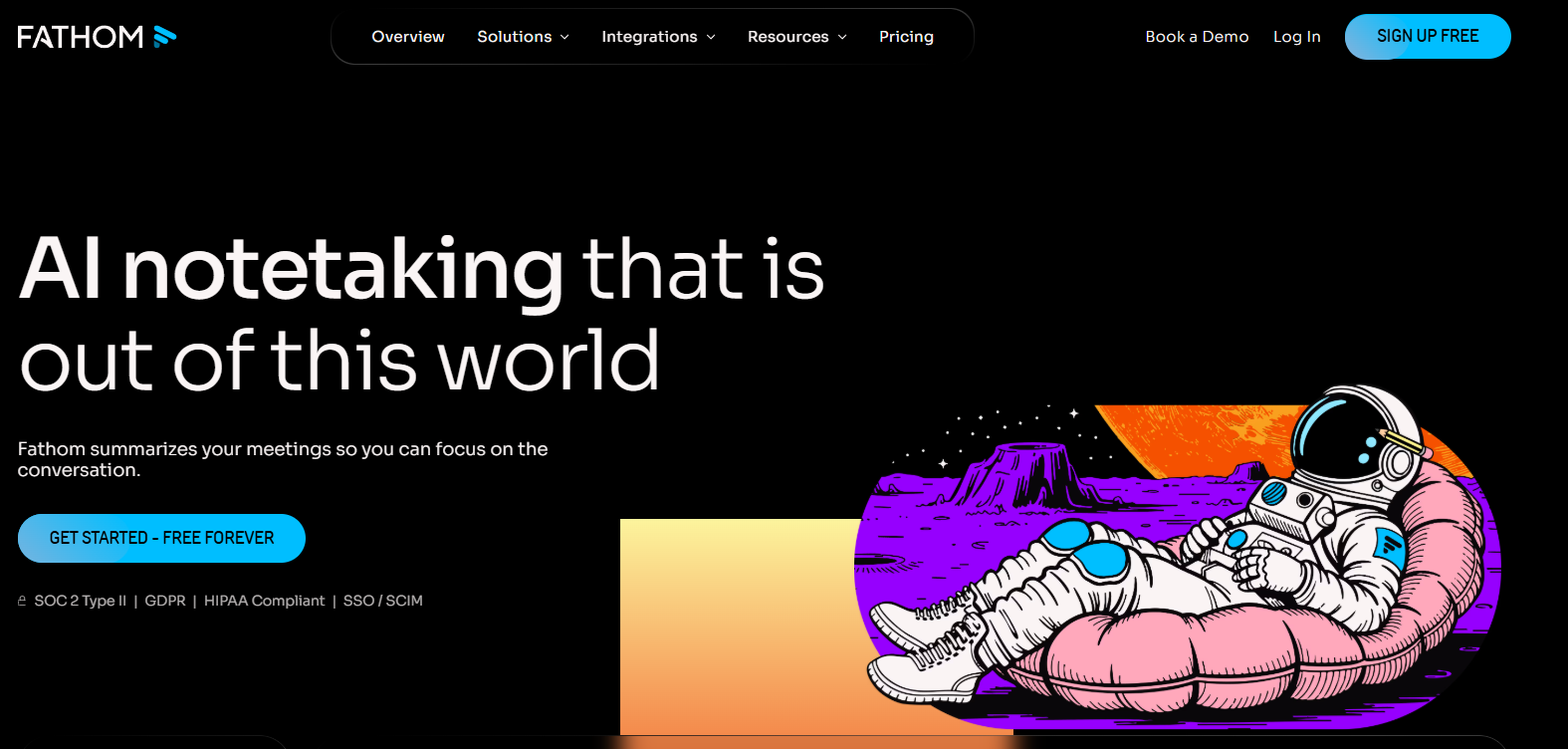
Fathom – Best Free Option for Individuals and Small Teams
Platforms: Zoom, Google Meet, Microsoft Teams
Fathom pros:
- Generous free tier with no meeting count limits
- Copy-paste out of Fathom lands fully formatted in the destination app
- Easy clip creation and playlist organization for sharing insights across meetings
Fathom cons:
- Some quirks and reliability issues specifically on Google Meet and Teams (vs. Zoom)
- Keyword alerts only available on paid Team plan
Fathom’s headline value is simple: it is genuinely free and useful, not free with critical features paywalled. The core loop – transcribe, summarize, send to CRM or Slack – works on the free plan with no meeting-count restrictions. One small UX detail that gets mentioned repeatedly: when you copy content out of Fathom and paste it elsewhere, the formatting carries over correctly, which removes a tedious manual step that users hit constantly with other tools.
For teams that want more, the Team plan adds meeting statistics per member (useful for sales call coaching), keyword alerts that surface whenever a target phrase is mentioned during a call, and deeper CRM automation. The positioning is smart: Fathom is the right tool to build the AI meeting habit before you standardize across a team, because the cost of getting started is zero.
Fathom Pricing:
- Free: unlimited for individuals
- Premium: $19/month per user
- Team Edition: $29/month per user
- Team Edition Pro: $39/month per user
Platforms: Zoom, Google Meet, Microsoft Teams
tl;dv pros:
- Robust AI-powered search that returns transcript excerpts across multiple meetings
- AI reports that extract information from several meetings at once, on a recurring schedule
- Generous free plan for unlimited Zoom and Meet transcription
tl;dv cons:
- Can occasionally fail to join recordings when servers are busy
- Mobile experience feels clunkier than desktop
The name says everything: tl;dv (“too long; didn’t view”) is built for the person who cannot afford to watch a 60-minute recording but still needs to know what happened. The two features that make this work are AI reports – recurring weekly or monthly cross-meeting summaries – and a search interface that returns detailed transcript excerpts based on a query term, not just a list of matching meetings. For managers who need to stay across many simultaneous projects, this combination dramatically reduces the “catch-up tax.”
Additional context layers include speaker insights (talk time, questions-per-hour, words-per-minute), manual timestamp notes, and shareable video clips clipped directly from the transcript. tl;dv also supports multi-language transcription across 30+ languages. Native integrations cover Notion, HubSpot, Salesforce, and Slack; Zapier extends this further. For distributed product teams and agencies turning meetings into reference artifacts, tl;dv is well-positioned.
tl;dv Pricing:
- Free: unlimited Zoom and Meet transcription
- Pro: $18/user/month (billed annually)
- Business: $65/month
- Enterprise: custom
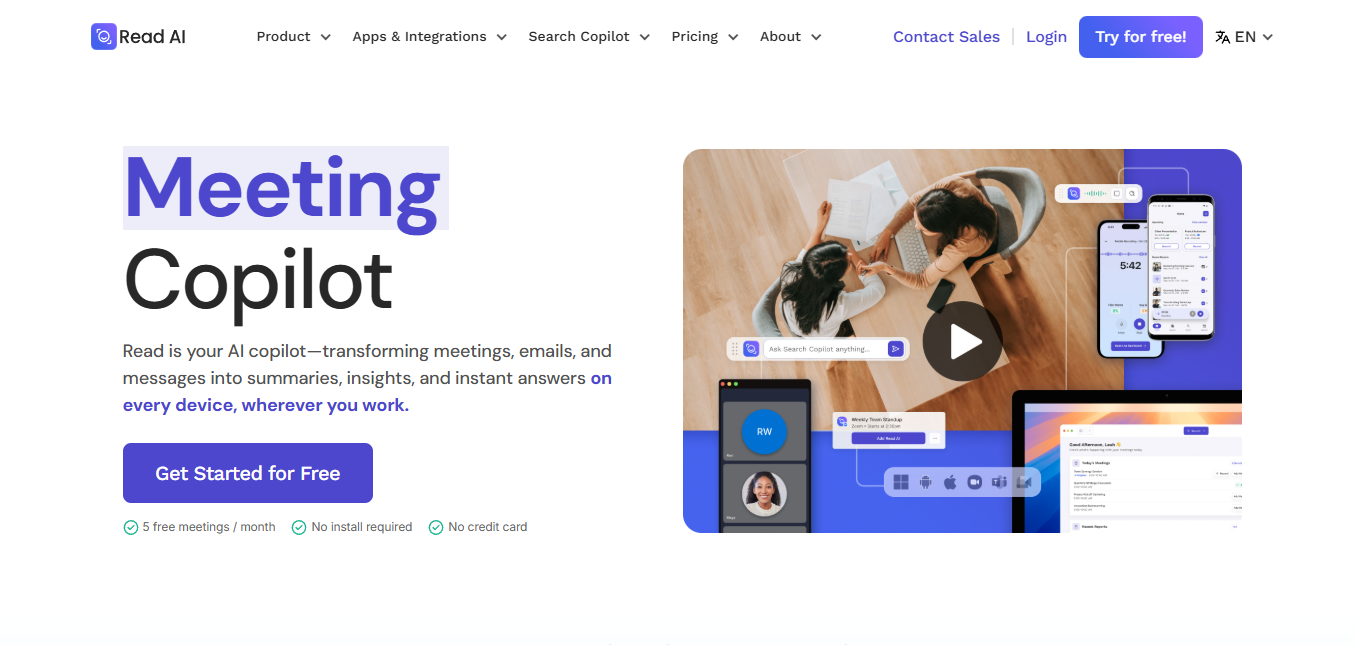
Read.ai – Best for Audience Signals and Engagement Analytics
Platforms: Zoom, Google Meet, Microsoft Teams, Slack, Notion, Salesforce
Read.ai pros:
- Captures audience engagement and sentiment reactions – not just words
- Real-time transcription with live summary during the call
- Speaker Coach gives you feedback on clarity, pace, and inclusivity
- Daily Digest summarizes what matters from your full day of meetings
Read.ai cons:
- Bot sometimes joins meetings you didn’t invite it to
- Free plan limits usage to 5 sessions per month
- Not effective for in-person meetings – can’t identify speakers in a room
- Interface can feel busy with many overlapping features
Read.ai goes a step further than transcription by capturing how people are reacting during a meeting, not just what they say. Audience reaction tracking shows when participants are engaged, disengaged, or zoning out – which is information a transcript will never surface. This makes Read.ai especially useful for facilitators, executives, and trainers who need to know whether their meetings are actually landing. The Speaker Coach feature extends this to self-improvement: it evaluates your speaking patterns (pace, filler words, inclusivity cues) and gives you data to improve over time.
The Playback Highlights system lets you skip to the parts of a recording that mattered, rather than scrubbing through a full video timeline. For teams that use meetings to build alignment – not just exchange information – Read.ai’s combination of sentiment, engagement, and speech analytics creates a richer feedback loop than a summary alone.
Read.ai Pricing:
- Free: $0/month (5 sessions/month)
- Pro: $19.75/user/month
- Enterprise: $29.75/user/month
- Enterprise+: $39.75/user/month
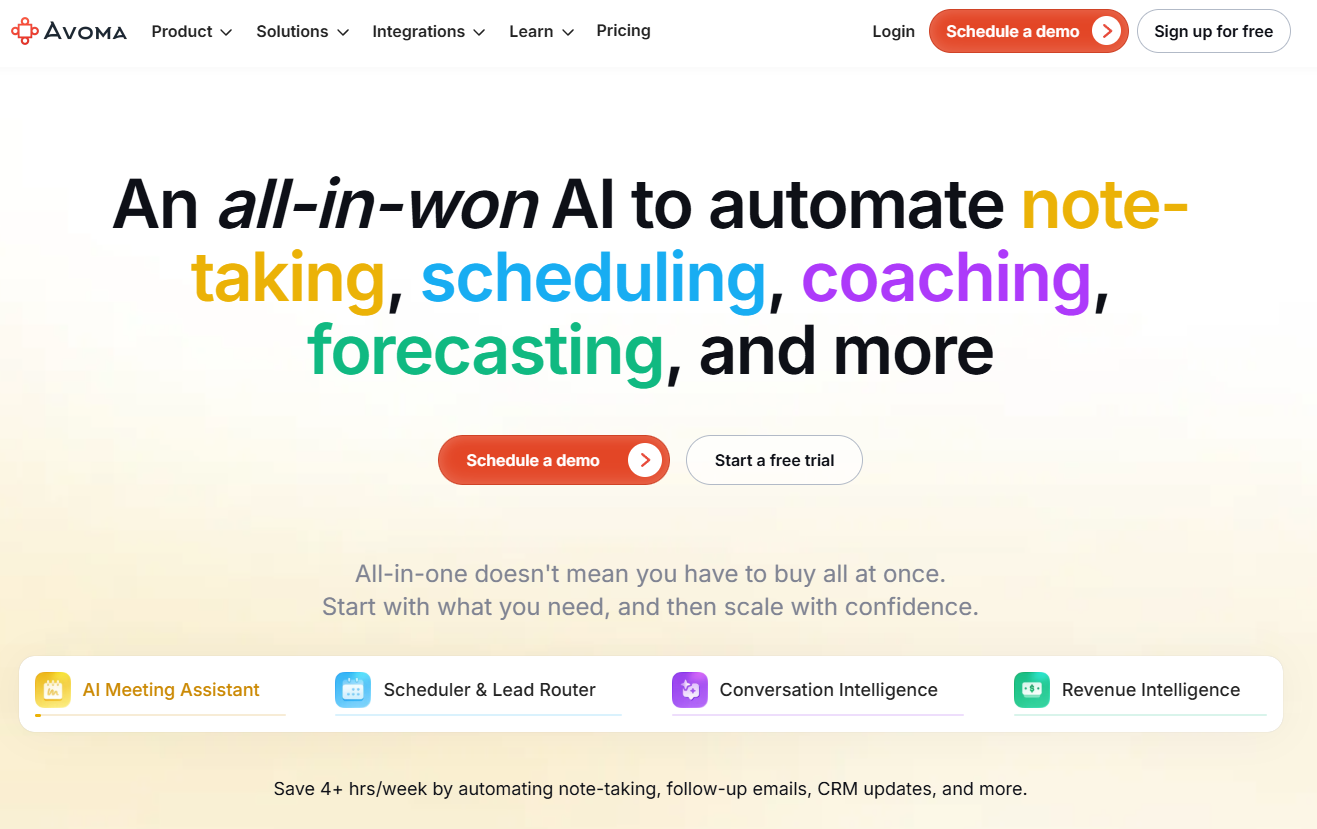
Avoma – Best for Customer-Facing Teams and Sales Coaching
Platforms: Zoom, Google Meet, Teams, BlueJeans, GoTo Meeting, Highfive, Uber Conference, Lifesize, and other dialer, video conferencing, and CRM tools
Avoma pros:
- Conversation analytics go deep: filler words, monologue tracking, talk-to-listen ratio
- Competitive tracking correlates competitor mentions with deal outcomes
- Live transcription in 60+ languages
- Strong CRM integrations: Salesforce, HubSpot, Copper, Pipedrive
Avoma cons:
- Pricey compared to general-purpose tools
- Bot sometimes joins late, drops, or misses meetings
- AI summaries can sometimes miss key points or include filler
Avoma is built on the premise that transcripts alone are not enough for teams trying to improve customer conversations. Beyond summarization, Avoma offers a full analytics stack: a dashboard tracking total conversations per user, filler word identification (the “ah”s and “um”s that break flow), monologue tracking (to see where back-and-forth dies), talk-to-listen ratios (especially useful for customer calls), and a competitive tracker that logs every competitor mention and whether the deal was won or lost. For sales managers, this combination creates a coaching toolkit that’s quantitative, not just qualitative.
The Smart Chapters feature automatically divides meetings into named sections based on topics discussed, which makes async review significantly faster. CRM auto-updates fill in Salesforce or HubSpot fields directly from meeting insights – so reps spend less time on post-call admin and more time on the next deal. The live bookmarking feature (mark important moments mid-call with one click) is a small addition that experienced sales reps find extremely valuable.
Avoma Pricing:
- AI Meeting Assistant: $29/user/month
- Conversation Intelligence: $69/user/month
- Revenue Intelligence: $99/user/month
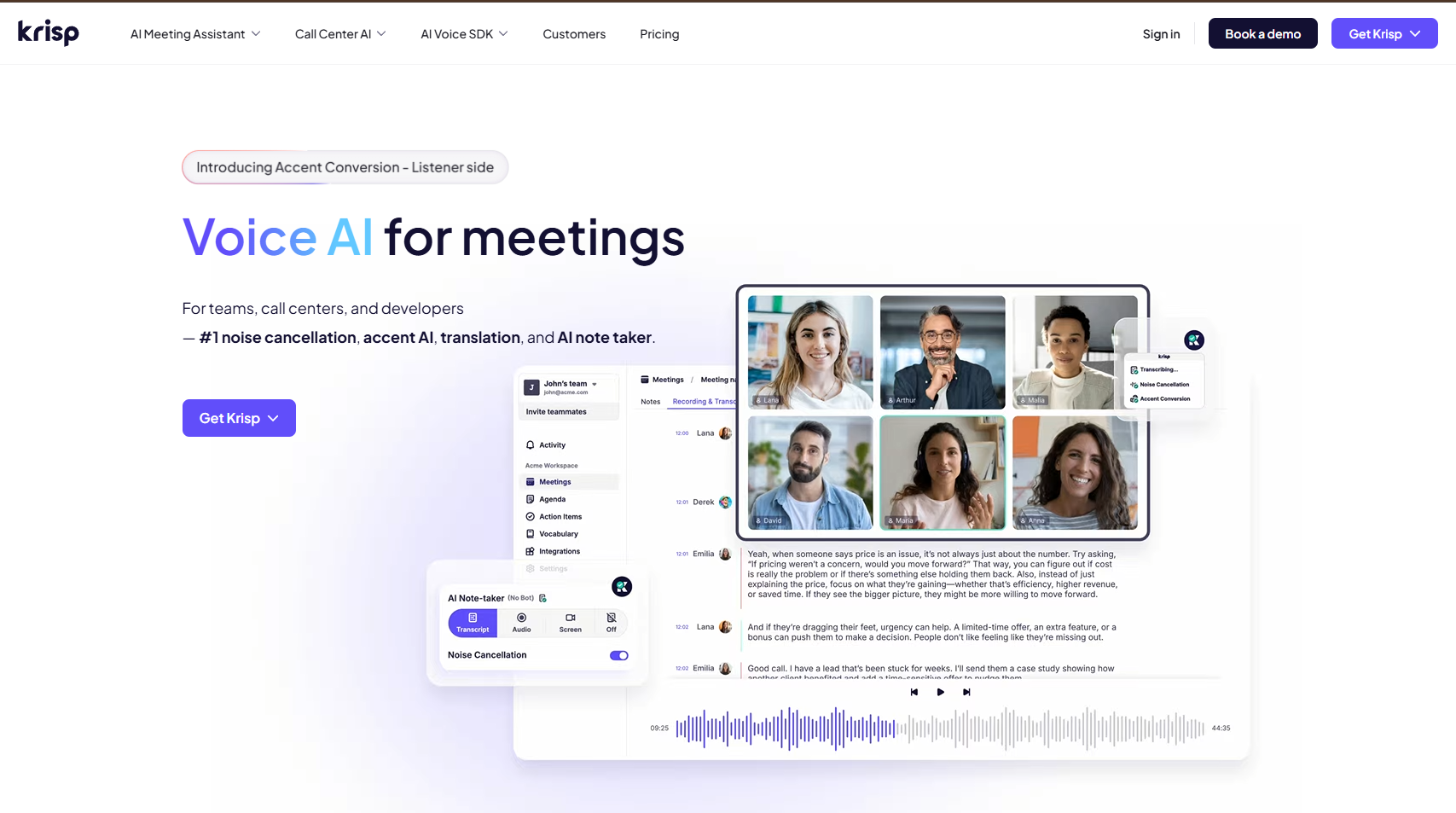
Krisp – Best for Improving Audio Quality
Platforms: All (device-level audio processing, works with any conferencing tool)
Krisp pros:
- Filters out background noise (music, ringtones, chatter) without distorting voice
- Localizes accents of other speakers in real-time to help you understand better
- No bot on the call – runs entirely on your device
- Lightweight: minimal CPU and RAM footprint, won’t hurt call performance
Krisp cons:
- Requires installing a dedicated app and selecting Krisp as audio input/output in your conferencing tools – slightly more setup than a plug-in
- Can occasionally distort your voice depending on hardware configuration
Krisp is the AI meeting assistant that improves the input – not just the output. Rather than joining your call and transcribing it, Krisp installs at the device level and acts as a virtual audio filter: background noise, music, ringtones, and ambient chatter are removed before your voice even reaches the microphone. The practical result is that every other AI tool on this list – including Palabra’s translation, Fireflies’ transcription, and Otter’s AI Chat – performs better when the source audio is clean.
The accent localization feature is particularly interesting for international teams: Krisp can adapt the audio of other speakers in real-time to make different accents easier to understand, reducing miscommunication on fast-paced calls. Because it runs on-device, there’s no latency from cloud processing for noise cancellation, and no meeting audio is sent to an external server for that layer of processing. The transcription feature means Krisp also functions as a standalone note-capturing option once your audio is cleaned up.
Krisp Pricing:
- Free: unlimited transcriptions + 60 minutes of noise cancellation/day
- Paid plans from $8/user/month (billed annually)
Granola – Best for Human-AI Collaborative Note-Taking
Platforms: All (captures device audio, no bot)
Granola pros:
- Automatically formats notes based on meeting context; supports custom templates
- Minimal, distraction-free interface designed for active participants
- Works with any video conferencing tool, plus in-person meetings (iOS app)
Granola cons:
- No built-in transcript search functionality
- Does not support phone call transcription (in development)
Granola is built for people who like being active note-takers during meetings but don’t want to miss details because they were typing instead of listening. The approach is different from most tools: rather than generating notes automatically after the call, Granola gives you a live notepad where you jot rough thoughts during the meeting, then uses the full transcript to enrich and complete those notes after the call ends. The result is notes that feel human-authored but are factually complete – a collaboratively constructed record, not a robot-generated summary.
Before a sprint retrospective, for example, you might jot only a rough agenda and a few fragments. Granola will transcribe the full meeting, then plug in the relevant details from the transcript into your notes with one click – filling gaps, completing thoughts, and adding context you didn’t have time to write during the call. Because it captures system audio from your device (like Jamie), it works with any platform including in-room meetings via the iOS app, and never appears as a bot in the call list. For high-stakes meetings where a human’s judgment should own the narrative, Granola is uniquely well-suited.
Granola Pricing:
- Free: 25 meeting transcripts
- Paid plans from $18/month (unlimited transcripts)
Which Tool Handles Multilingual Meetings Best?
| If your #1 need is… | Strongest fit | Why |
| Real-time translation for global attendees | Palabra.ai | 60-70+ languages, custom glossaries, browser-based QR access, streaming API |
| Bot-free structured notes + privacy | Jamie | No bot, audio deleted post-transcription, GDPR-compliant, offline support |
| Topic tracking + CRM integrations | Fireflies.ai | Best integration surface, topic trackers, soundbites |
| Chat-style query of your meeting history | Otter.ai | Account-wide AI Chat, workspace channels, slide capture |
| Best free tier for individuals | Fathom | No meeting cap on free plan, clean formatted copy-paste |
| Async catch-up + searchable archives | tl;dv | Cross-meeting AI reports, clip sharing, 30+ language transcription |
| Audio quality improvement | Krisp | Device-level noise cancellation, accent localization, no cloud audio |
| Sales coaching + conversation analytics | Avoma | Talk ratios, filler word tracking, competitive intelligence, CRM auto-updates |
| Audience engagement signals | Read.ai | Reaction tracking, Speaker Coach, engagement analytics |
| Human-authored + AI-enriched notes | Granola | Live notepad + AI gap-fill, no bot, custom templates |
Final Verdict
- Choose Palabra.ai if your meetings are multilingual, your attendees are diverse, or you’re building a product that needs to deliver real-time translation as a feature – not just use it.
- Choose Jamie if you want clean, privacy-first notes without a bot on the call and you work primarily in English (or one of Jamie’s 15+ supported languages).
- Choose Fireflies.ai if you run a high-volume meeting organization and need topic tracking, collaboration, and CRM integrations to keep everyone aligned.
- Choose Fathom if you’ve never used an AI meeting assistant before and want to build the habit with zero cost and zero risk.
- Choose Krisp if the biggest bottleneck in your meeting experience is audio quality – especially in noisy environments or when working with international accents.


