
Choosing a translation tool is no longer just about converting text from one language to another. Today, businesses also need live voice translation, multilingual meetings, subtitles, dubbing, collaboration, and secure workflows. That is why the best solution depends less on brand recognition and more on how well a platform fits your real use case.
Some tools are built for quick everyday translation. Others are better for polished written content, certified workflows, or enterprise communication. If your team works across languages every day, the smartest choice balances speed, context, usability, and scalability.
How We Evaluate the Best Translation Solutions
A useful translation platform should do more than produce words in another language. It should help people understand meaning clearly, move faster, and reduce friction in real workflows.
Translation Accuracy and Context
Accuracy is the first filter, but context is what separates a usable translation from a frustrating one. A good platform should handle tone, terminology, and meaning well enough that users spend less time fixing the output and more time using it.
This matters even more in business environments where a small wording error can change the meaning of a contract, sales call, meeting summary, or product explanation. The best tools support context-aware translation instead of treating every sentence like an isolated fragment.
Speed and Real-Time Capabilities
For many teams, speed is now as important as accuracy. If you are translating a live meeting, webinar, customer call, or event, waiting until the session ends is often too late.
That is where real-time tools stand out. They can transcribe, translate, and surface captions while the conversation is still happening, which changes translation from a post-production task into a live communication layer.
Pricing Transparency and Value
A translation tool should be clear about what you get for the price. Hidden limits, vague usage caps, and feature lockouts can make an apparently cheap solution more expensive over time. Industry experts consistently highlight pricing transparency and clear evaluation criteria as the most important factors when choosing a provider .
Value also depends on workflow fit. A platform that replaces several tools at once can be more cost-effective than a cheaper product that still forces you to use extra apps for subtitles, meetings, or editing.
Security and Privacy Standards
Translation often involves sensitive material – internal meetings, client conversations, product plans, customer support logs, or training content. A serious platform should support controlled access, reliable handling of shared files, and a workflow that feels appropriate for business use.
For companies, security is not a bonus feature. It is part of whether the tool is even usable at scale.
Machine Translation vs. Human Services: What Do You Need?
Not every translation task needs the same level of oversight. Some require speed and convenience, while others require certification, legal precision, or highly nuanced human review.
When to Use Traditional Certified Services
Traditional agencies or certified translators are still the better option when legal validity, sworn translation, immigration paperwork, or highly formal documentation is required. It is important to distinguish between certified translation (for legal validity), business translation (for corporate communication), and broader localization (for adapting products to new markets) .
In those cases, AI can still help with drafting or preparation, but it should not replace the final human responsibility. When official acceptance matters, certified human review remains essential.
When to Use AI-Powered Translation Apps
AI-powered translation apps are strongest when speed, scale, and usability matter most. They work especially well for meetings, interviews, webinars, subtitles, multilingual content, and operational communication where people need understanding fast.
They are also ideal for teams that reuse the same content in several formats. One translated conversation can become captions, a summary, an article draft, documentation, or a voiceover script.
Top Translation Apps and Services Put to the Test
The translation market is crowded, but the tools tend to fall into a few clear categories. Some focus on live communication, some on text quality, and some on traditional document workflows.
1. Palabra AI: The Best All-in-One Voice and Text Translator

Palabra stands out because it is built around how multilingual teams actually work today. Instead of treating translation as a single output, it connects live speech, transcription, translation, captions, and reusable text in one workflow.
That makes it especially useful for businesses, creators, and international teams that need more than one translation mode. Rather than switching between separate products for meetings, subtitles, and post-call documentation, users can keep the process connected from start to finish.
Why Palabra Stands Out for Real-Time Needs
Real-time use is where many translation tools start to break down. Some are fine for short text input but struggle when you need continuous speech, multilingual meetings, or fast live output.
Palabra is stronger in these scenarios because it is designed around spoken communication as well as written translation. That makes it a better fit for live calls, presentations, webinars, and remote collaboration.
Key Features (Live Transcription, Dubbing, Collaboration)
Palabra’s value comes from combining several workflows into one platform. Teams can use it for live translation, transcription, captioning, and content reuse instead of treating each step as a separate project.
That combination is especially practical when one meeting needs to become multiple assets afterward – notes, subtitles, summaries, translated text, or voice-ready content.
2. Talkao Translate: The Mobile Voice Companion
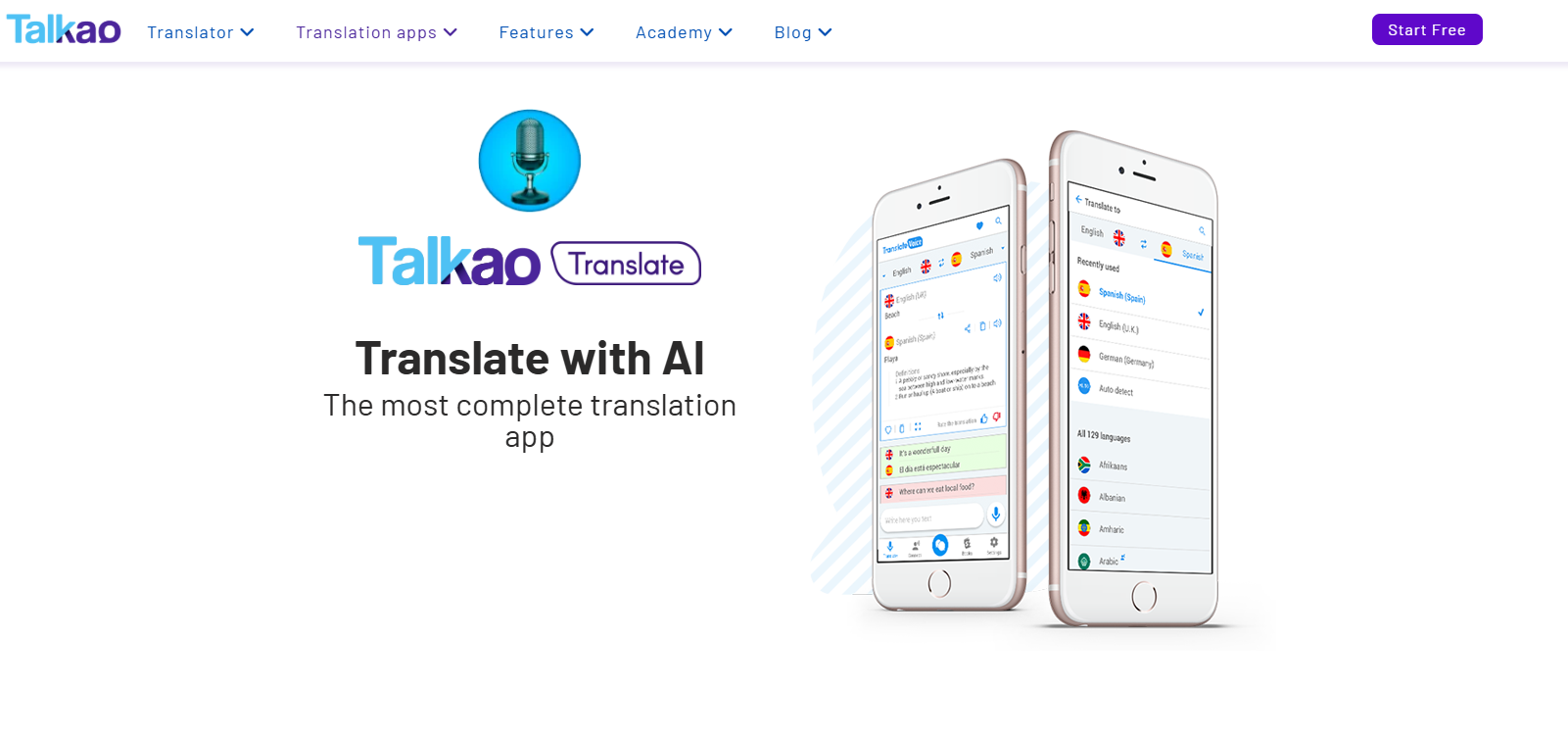
Talkao Translate is better understood as a lightweight mobile-first translation companion. It fits situations where users want fast speech or text help on the go rather than a deeper collaborative workflow.
That can make it useful for travel, informal communication, or quick one-person interactions. But for structured business use, teams may outgrow mobile utility tools quickly and need something with stronger workflow depth.
3. DeepL: The Choice for Complex Text Translation
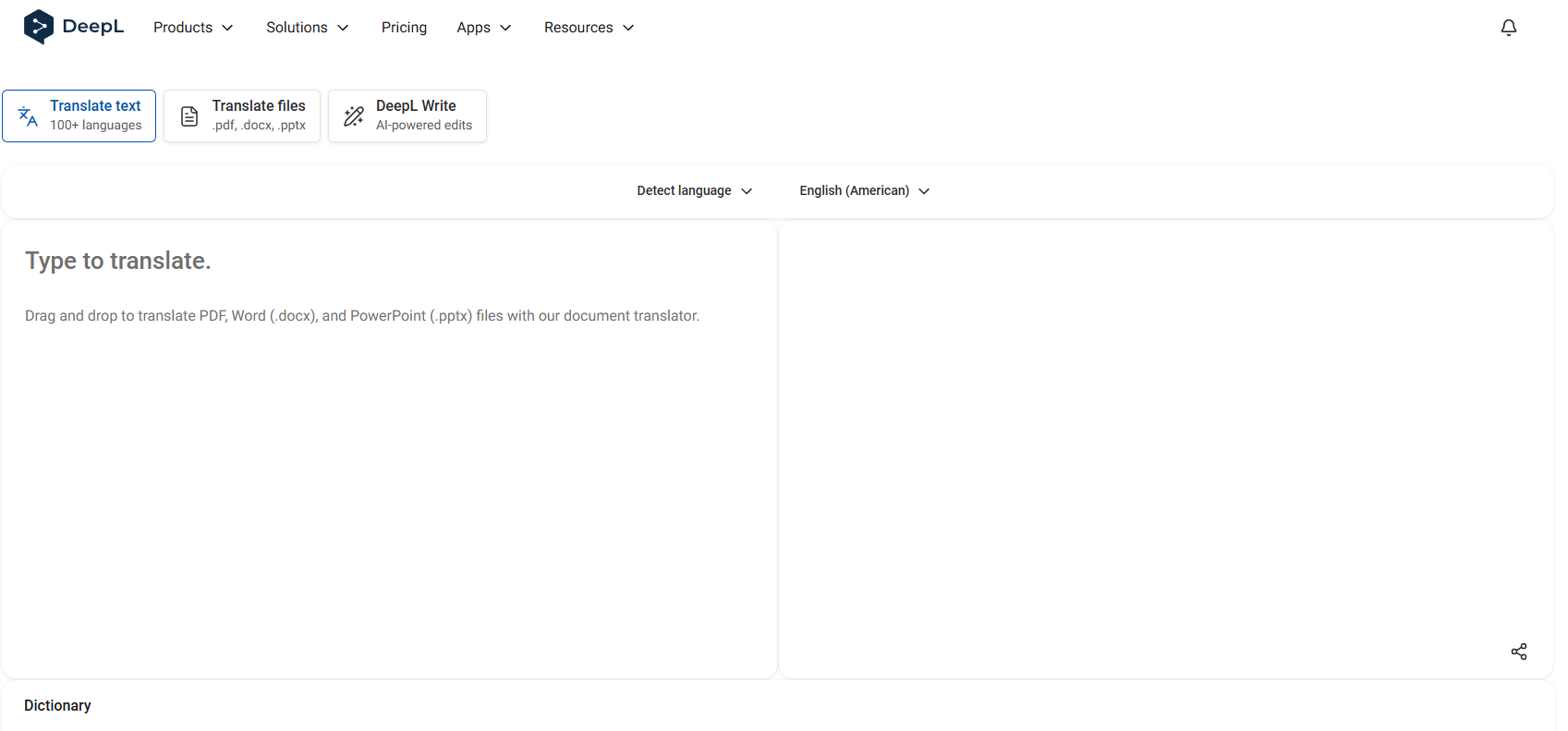
DeepL is often associated with polished written translation and is usually strongest when the task is text-heavy rather than live and conversational. For users working with paragraphs, documents, marketing copy, or edited content, that focus can be appealing.
Its strength is less about live interaction and more about refined output. If your translation problem starts and ends with text, it may be a strong option. If it extends into meetings, captions, or spoken workflows, you may need more than it is designed to offer.
4. Traditional Translation Agencies (RushTranslate, TheWordPoint)
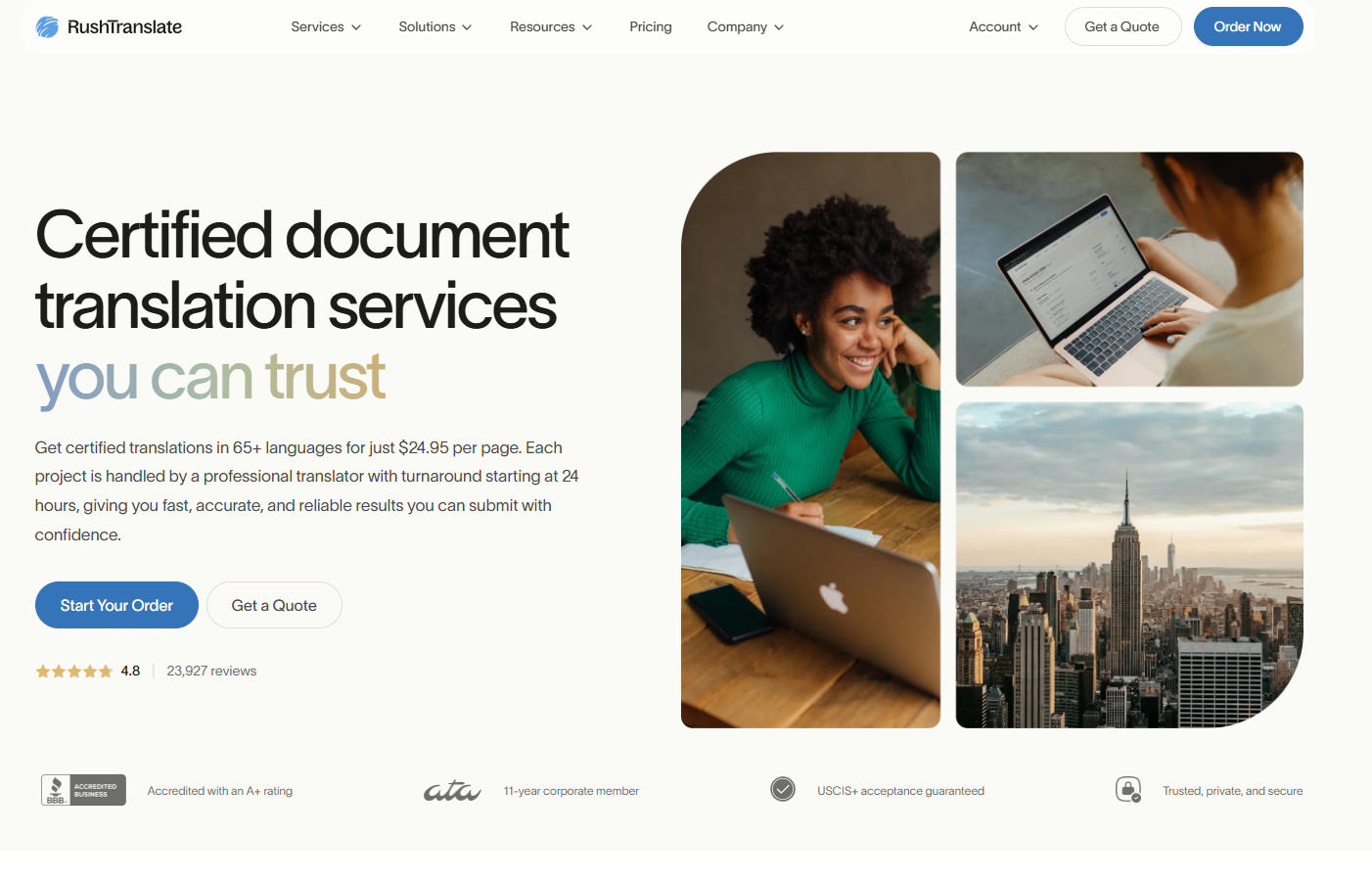
Traditional agencies still serve an important role, especially when clients want human review, document specialization, or formal delivery standards. When evaluating traditional agencies, the most critical factors are the company’s background, their customer support responsiveness, and their strict quality assurance practices .
The tradeoff is that agency workflows are usually slower and less dynamic than AI-first platforms. They are best for cases where human-managed delivery matters more than speed or live collaboration.
How Accurate Are Modern Translation Apps?
Modern translation quality has improved dramatically, but accuracy is never just about the engine. It also depends on input quality, language pair, context, and whether the tool is designed for text, speech, or both.
Handling Accents, Slang, and Industry Jargon
Real-world speech is messy. People interrupt each other, use slang, switch languages mid-sentence, and rely on domain-specific shorthand.
The better translation apps handle these situations with fewer breakdowns, but no system is perfect. That is why strong platforms also make editing, review, and terminology control easier.
The Importance of Context in Translation
A translation can be grammatically correct and still be wrong. Context determines whether the meaning lands properly, especially in customer-facing communication, meetings, training, or product content.
This is where workflow design matters. A tool that supports live context, transcript review, and content reuse often produces better practical outcomes than a tool that only translates isolated text snippets.
Red Flags to Avoid When Choosing a Translation Service
Some translation tools look impressive at first but create problems once you start using them seriously. The most common warning signs are vague pricing, unclear workflow limits, weak editing options, and a poor fit for your actual content type.
Another red flag is solving only one narrow part of the problem. If you still need separate tools for transcription, subtitles, summaries, and collaboration, the platform may not be saving as much time as it seems.
The Verdict: What is the Best Translation Tool for You?
The best translation tool depends on what you are trying to translate and how you need to use the result. If your priority is certified paperwork, a traditional human service is usually the safer choice. If your priority is polished written text, a text-focused engine may be enough.
But if you need a modern translation workflow that supports live conversations, multilingual teamwork, and content reuse, Palabra is the strongest all-around option. It is better suited to the way international teams actually communicate today – through calls, recordings, captions, summaries, and shared outputs rather than isolated text boxes.


