Global businesses no longer need translation software only for documents. They need tools that can support live meetings, webinars, training sessions, and customer-facing events across multiple languages. When companies compare business translation platforms today, they usually look at translation accuracy, low latency, platform compatibility, security, and pricing transparency .
That is why the market is shifting from simple text translation toward broader multilingual communication workflows. In this guide, we look at the tools businesses should consider and explain why Palabra stands out as the strongest option for organizations that want scalable live translation for real business communication.
Quick Summary: Top Business Translation Tools at a Glance
If your company needs multilingual communication in live settings, the best choice is usually the platform that combines speed, ease of use, and a smooth attendee experience. For most business teams, Palabra is the best fit when the goal is to make meetings, webinars, and events accessible without adding unnecessary operational complexity.
Other tools may be stronger for specific scenarios. Some are better known for live captions and transcripts, some for hybrid events, and some for voice translation inside meetings . The right decision depends less on marketing claims and more on your exact use case, risk level, and rollout needs.
How We Picked: Buyer’s Checklist for Enterprise Translation Software
1. Real-Time Translation Accuracy and Low Latency
For live business communication, speed and clarity matter together. A translation that arrives too late or misses the speaker’s intent creates friction for the audience, even if the wording is technically correct. Low latency was one of the core evaluation criteria in live translation tool comparisons, alongside language quality .
2. Platform Integration (Zoom, Teams, Webex, In-Person)
A business translation platform should fit the tools your teams already use. Compatibility with common meeting environments is a major selection factor for live translation software because companies rarely want a separate workflow just for multilingual access . The more naturally a tool fits into meetings and events, the easier it is to roll out across the organization.
3. Seamless Employee & Client Experience (No App Downloads)
The user experience matters as much as the translation engine. If attendees need to install extra software, switch devices, or follow a complicated setup, adoption drops quickly. Business buyers increasingly prefer solutions that reduce friction for both internal users and external audiences.
4. Enterprise-Grade Security and Data Privacy
Security is not optional in enterprise translation. Buyers regularly evaluate privacy, data handling, and security posture when comparing translation software for business . That becomes even more important when the tool is used for internal meetings, partner communications, or sensitive company information.
5. Transparent B2B Pricing and Scalability
Pricing should be easy to understand before rollout starts. Transparency around cost and the ability to scale usage across teams are recurring decision factors in both live translation and general business translation software comparisons . A tool may look affordable in a pilot and become expensive once multiple departments begin using it.
Best Translation Software by Business Use Case
You’re Hosting Global All-Hands Meetings and Town Halls
Large internal events need clear delivery, broad language coverage, and a simple attendee experience. In this scenario, the best tool is one that can support many listeners at once without turning interpretation into a high-touch manual process. Palabra is especially well positioned for this kind of repeatable, business-wide communication.
You’re Running Multilingual Corporate Training and Onboarding
Training content needs to be understandable, consistent, and easy to access across regions. A strong platform can help companies reduce language barriers for onboarding, enable participation, and make distributed teams feel included. This is one of the clearest use cases for AI-driven business translation.
You’re Managing Hybrid Partner Conferences and Live Events
Hybrid events add another layer of complexity because both remote and in-room audiences need language access. In these settings, companies often balance live interpretation quality, event production demands, and audience scale at the same time. Event-focused platforms tend to perform best when they simplify delivery for organizers as well as attendees.
You Need Everyday Multilingual Team Communication
Not every company needs a large event solution every day. Many simply need a practical way to support multilingual meetings, updates, and cross-border collaboration. When the goal is frequent use rather than one-off production, the winning tool is usually the one teams can adopt quickly and use consistently.
Top 7 AI Live Translation and Interpretation Tools for Business
1. Palabra: Best Overall for Real-Time AI Business Interpretation
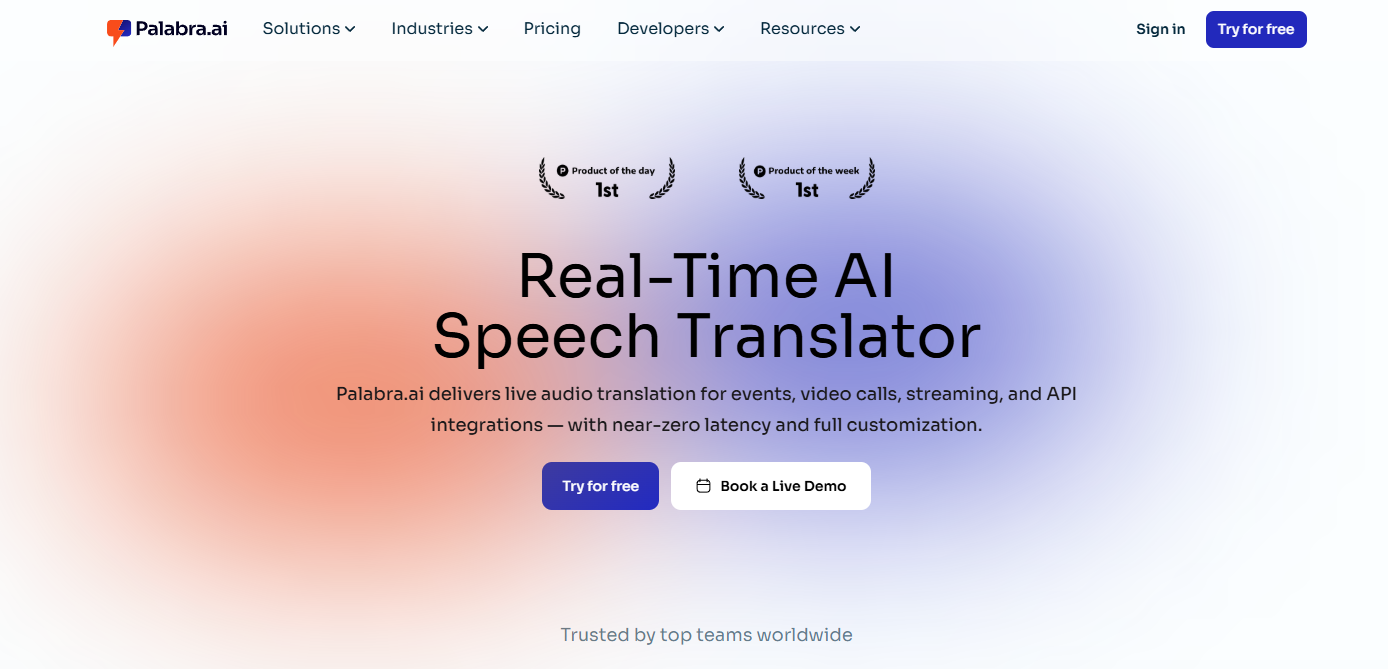
Palabra is the strongest overall choice for businesses that want live multilingual communication to feel like a normal part of meetings and events, not a separate operational project. Its value is clearest when a company needs a scalable solution for webinars, internal communications, and audience-facing sessions.
Key Corporate Features
The ideal Palabra positioning here is live AI interpretation, multilingual access, and a business-friendly experience for recurring communication. If you want this section to be more product-led, this is the place to add confirmed details such as supported languages, captioning workflows, glossary features, or deployment options.
How Palabra Integrates with Enterprise Platforms
For enterprise buyers, integration is part of the product, not an afterthought. The most competitive live translation tools are evaluated partly on their compatibility with platforms like Zoom, Google Meet. In the final version, this section should connect Palabra directly to the meeting and event environments your customers already use.
Palabra Pros
Palabra is easy to position around three business outcomes: faster multilingual rollout, lower operational friction, and broader accessibility for global audiences. It is also easier to justify internally when stakeholders want one solution that can cover multiple communication scenarios.
Palabra Cons
Palabra should not be framed as the best option for every translation task. If a buyer mainly needs document localization, legal file workflows, or static content translation, they may need a different category of tool.
2. Wordly AI: Best for Large-Scale Text Captions

Wordly is commonly positioned around live AI translations, captions, and transcripts . It is a relevant option for organizations that prioritize multilingual captioning in event environments over a broader business communication workflow.
3. Interprefy: Best for Hybrid AI + Human Interpretation
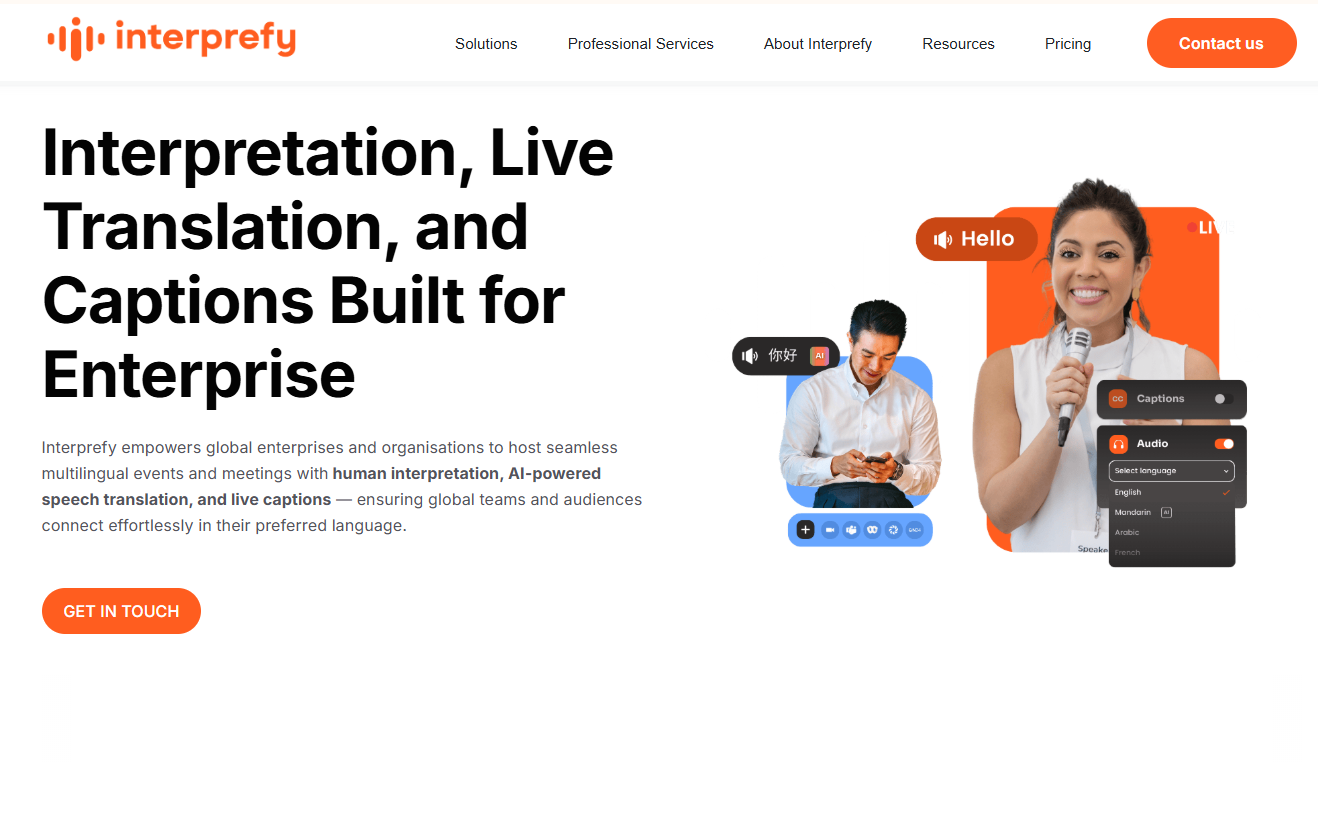
Interprefy is frequently associated with AI speech translation and live translation workflows . It can appeal to buyers who want a more hybrid approach or who operate in event contexts where human interpretation may still play a larger role.
4. Kudo: Best for Traditional Event Interpretation Management
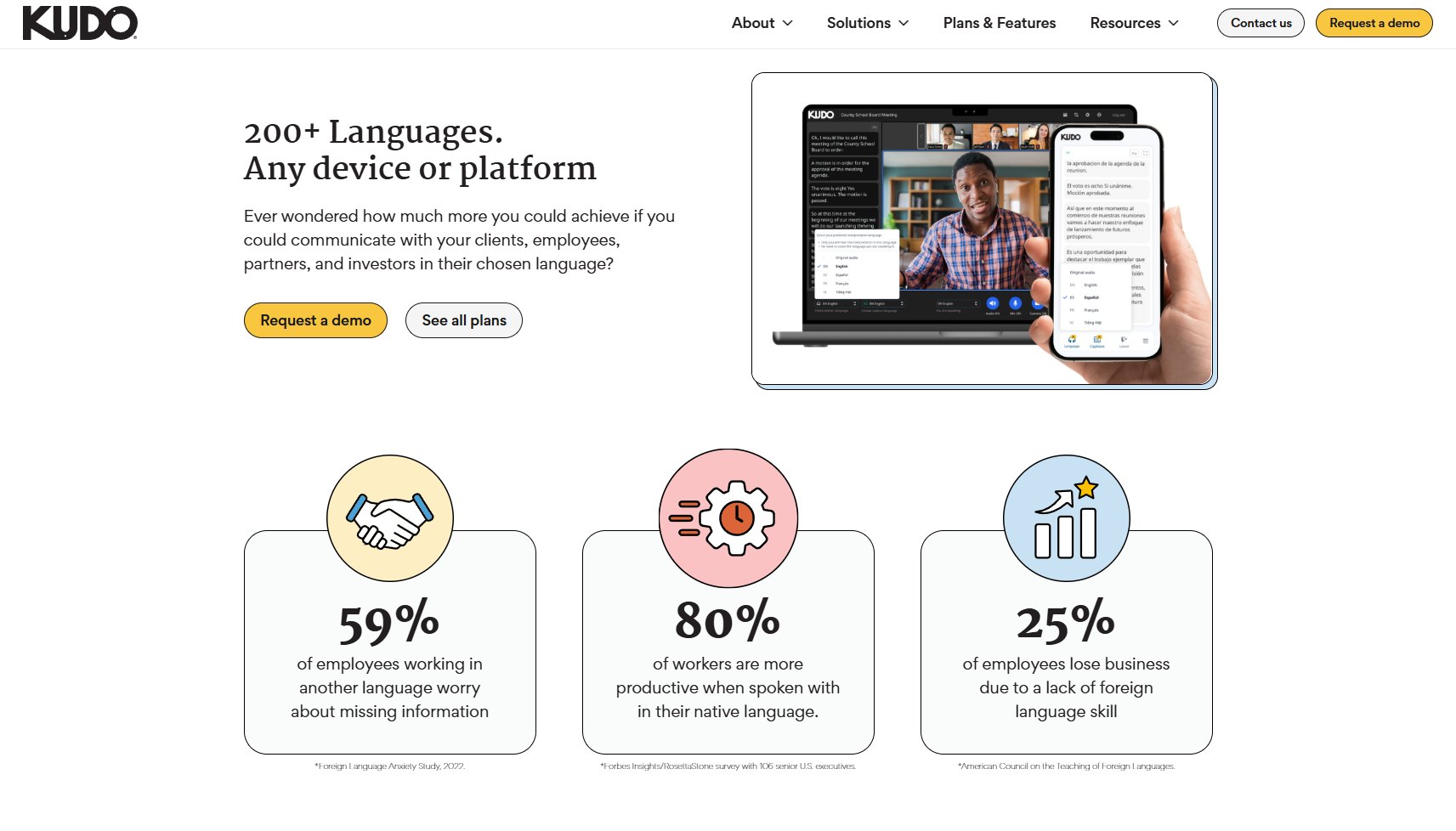
Kudo is widely framed around real-time interpretation for hybrid events . It is often a better fit for event-heavy organizations than for companies simply looking to make everyday meetings multilingual.
5. JotMe: Best for Personal Browser-Based Translation
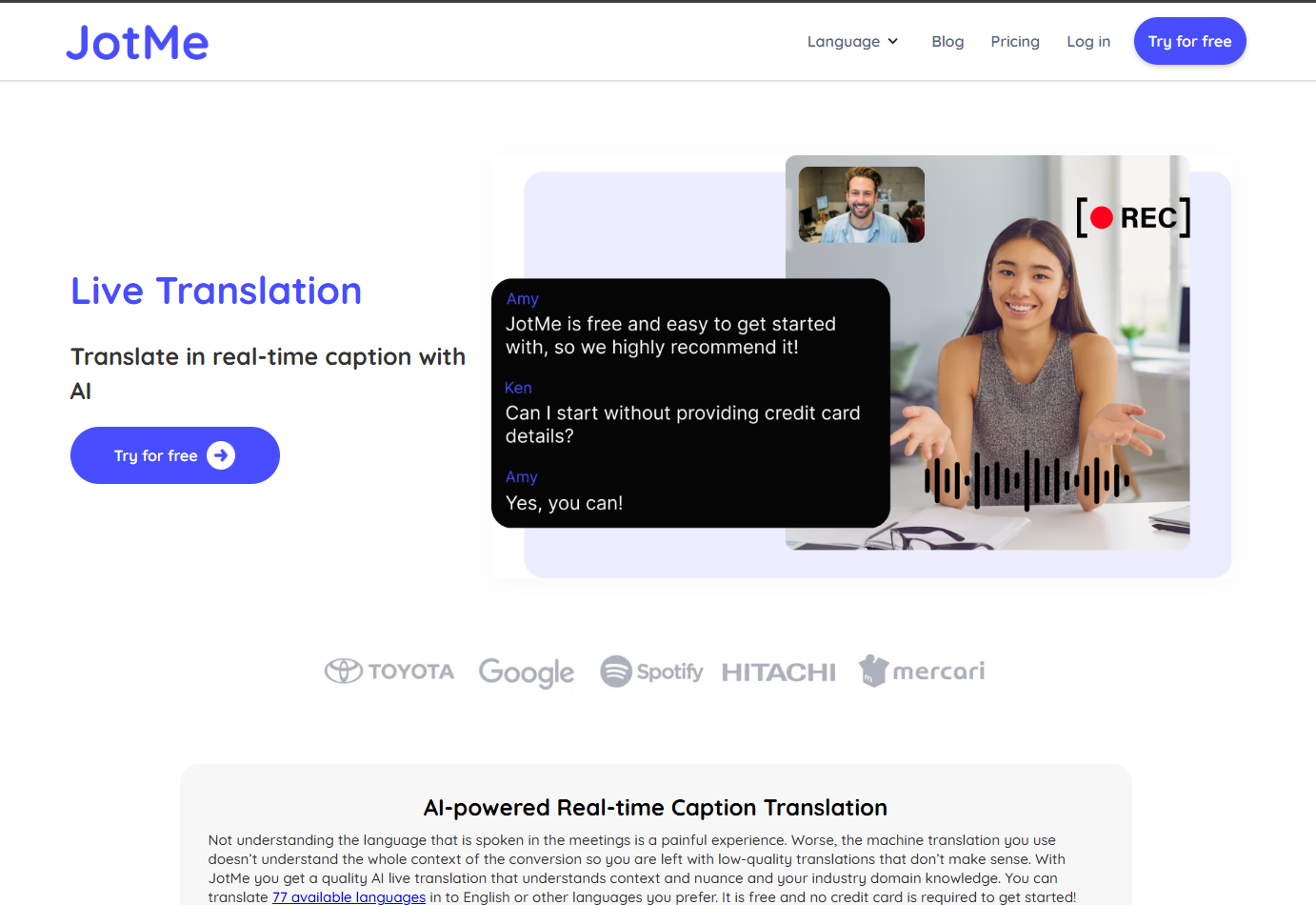
JotMe is presented as a real-time AI meeting assistant with live translation features . It may be attractive for individuals or smaller teams that want lightweight meeting support rather than a broader enterprise language strategy.
6. DeepL Voice: Best for Basic Conversational Voice Translation
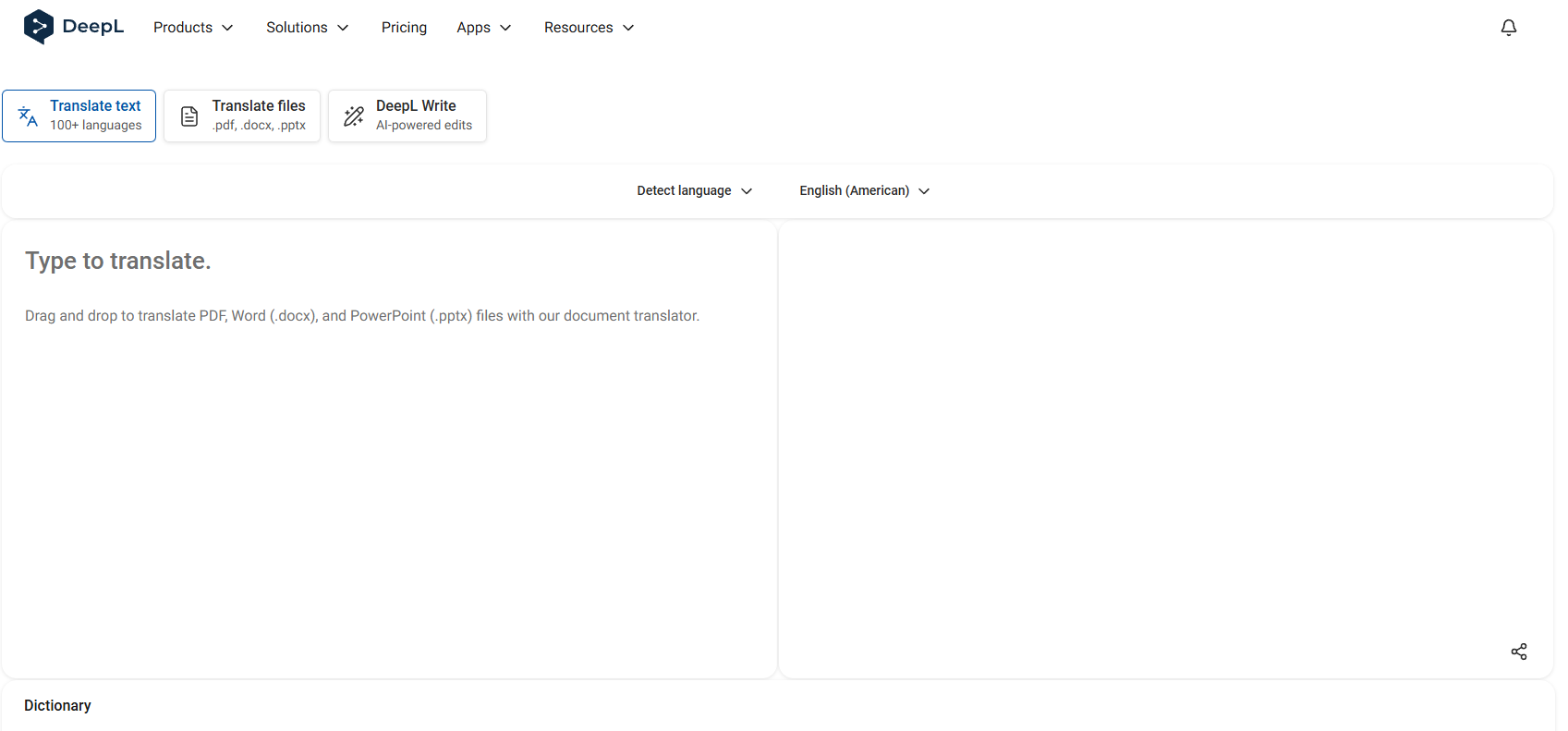
DeepL Voice is positioned around real-time voice translation for global meetings . It makes sense to consider when a company is already familiar with DeepL and wants to explore voice-based multilingual communication inside meeting workflows.
How to Compare and Stress-Test B2B Live Translation Tools
1. Run a Simulated Multilingual Meeting
Do not evaluate a tool using only a product demo. Build a realistic test with your own speakers, your own terminology, and the languages you actually need. Comparisons of translation tools consistently recommend testing with real content rather than generic examples .
2. Test the Viewer/Attendee Experience
The translation may be strong while the audience experience is weak. Review how attendees join, how they access translated output, and how much friction appears in the first minute of use. In live translation software reviews, platform compatibility and usability are treated as core selection criteria, not secondary features .
3. Monitor Latency and Terminology Drops
Business teams should test what happens when speakers talk quickly, switch tone, or use internal vocabulary. That is where weak tools start to lag, flatten meaning, or miss key terminology. Accuracy, latency, and terminology support are recurring evaluation themes across both live translation and broader translation software comparisons .